Tab Options: Global Filter Settings
Tab Options holds the global settings of the filter.
- Set filter automatically – global option: if you enable it, the HUSKY filter will appear above products on the shop page and categories page
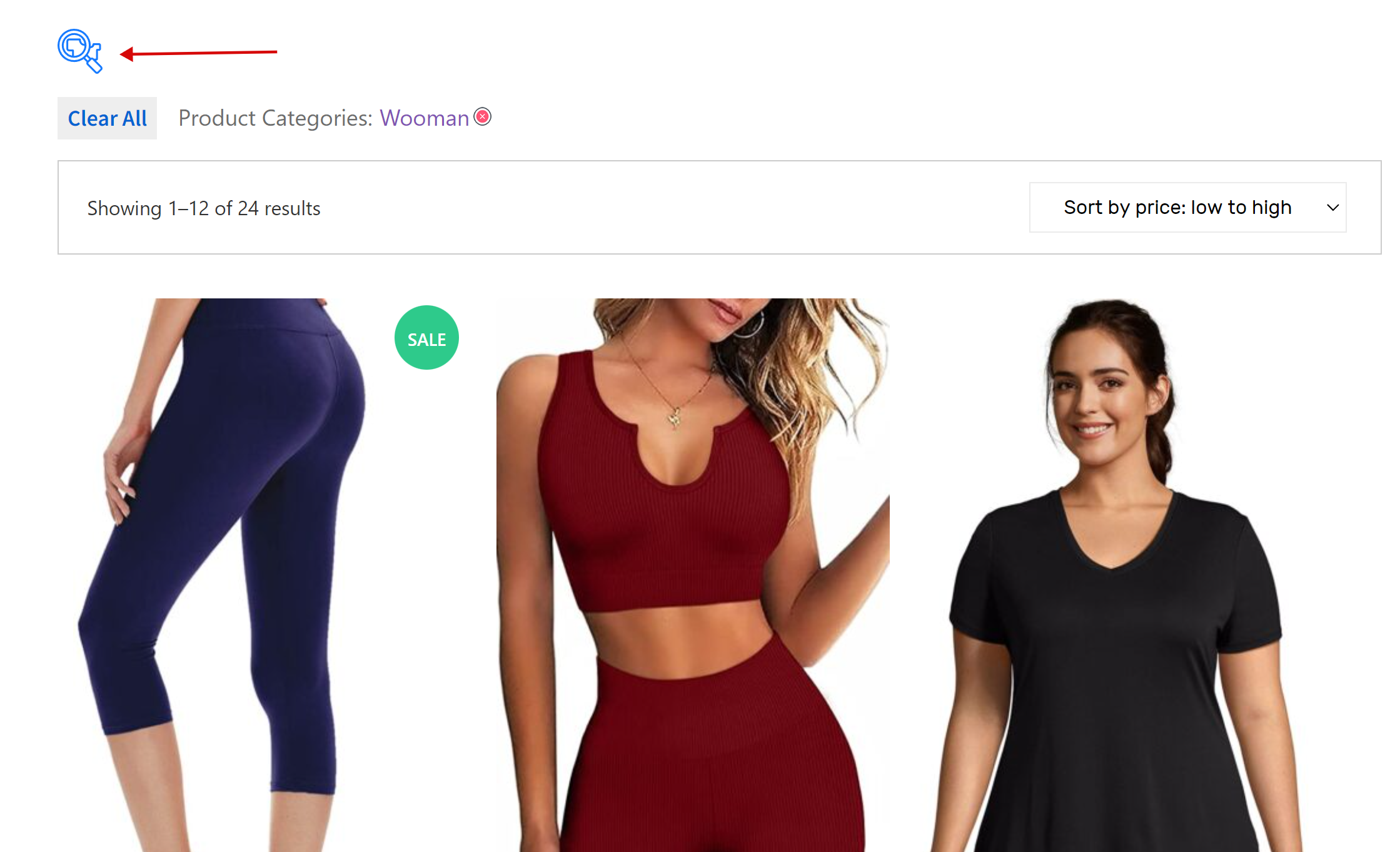
- Autosubmit – this option enables immediate filtering when you select any filter element. This behavior is manageable in shortcode [woof] and in the widget
- Show count – shows near each filter element the count of products found if you click only this element
- Dynamic recount – works with ‘Show count’ option, but allows recounting count of products according to selection of another filter elements in the the filter
- Hide empty terms – if clicking on any filter element will lead to empty results this option hides such elements in the filter. Dynamic recount must be enabled
- Try to ajaxify the shop – this option globally trying to adapt current WordPress theme product layouts to ajax filtering
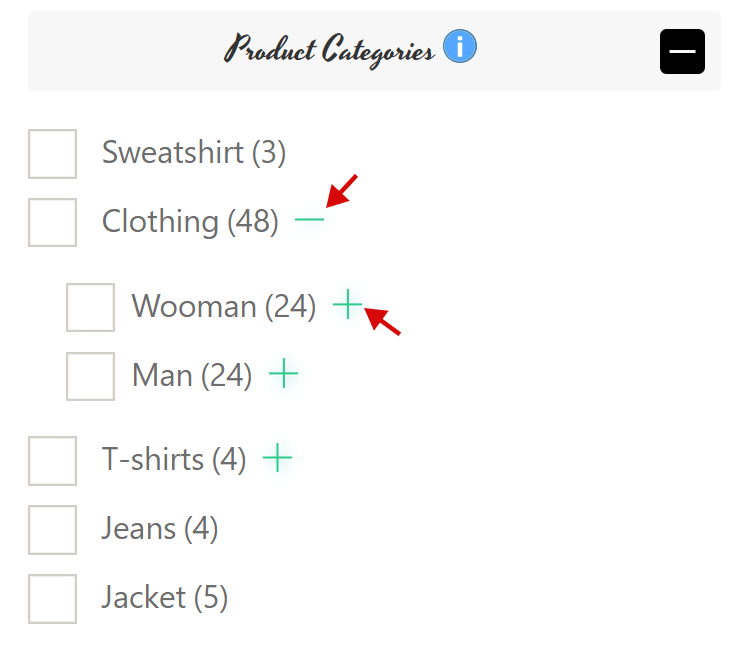
- Hide childs in checkboxes and radio – if filter block is created by radio or checkbox elements this option hides sub-terms and shows a special button to reveal them. Images of this buttons can be selected in tab Design -> Image for subcategories open/close
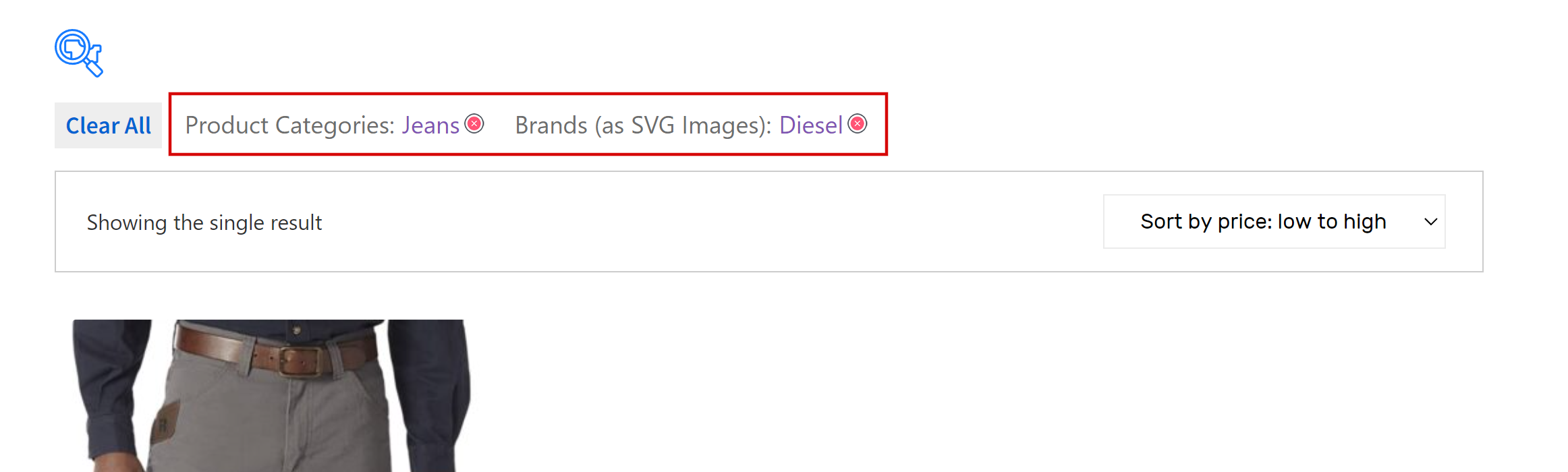
- Hide woof top panel buttons – hide filter navigation buttons if filtering is going
- Lets checked terms will be on the top – with enabling of this option all checked/selected filter elements will be bob up to the top of the filter-block
- Filter button text – custom text for filter button
- Reset button text – custom text for reset button, if you do not want to show this button write word ‘none’ here