WooCommerce Product Filter v.2.2.6 更新
- WOOF管理面板新设计
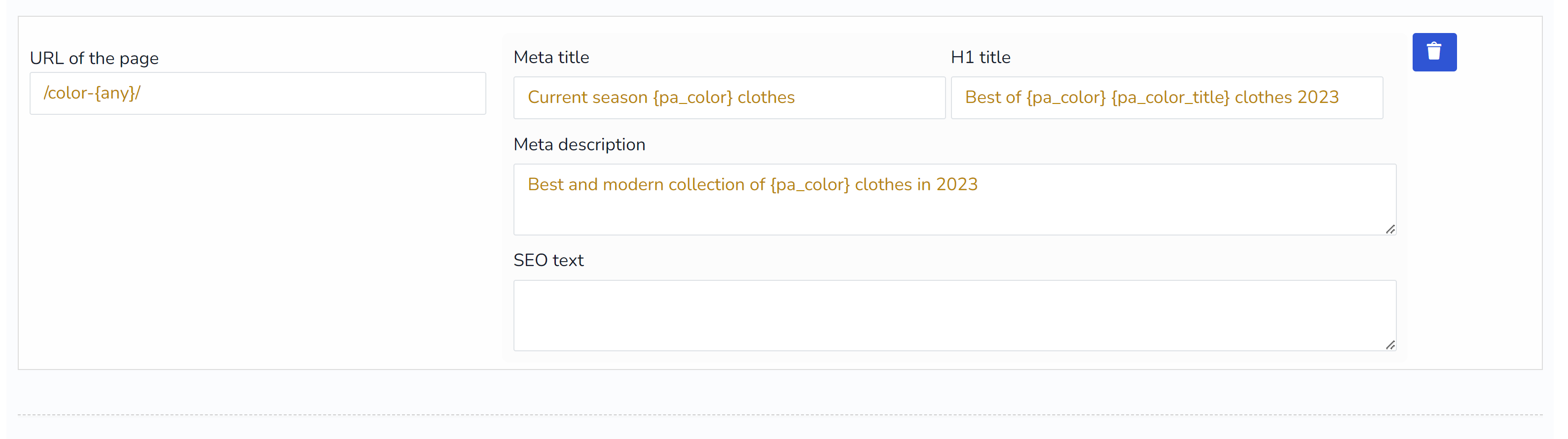
- 新扩展‘SEO URL请求‘,搜索参数成为URL的一部分。
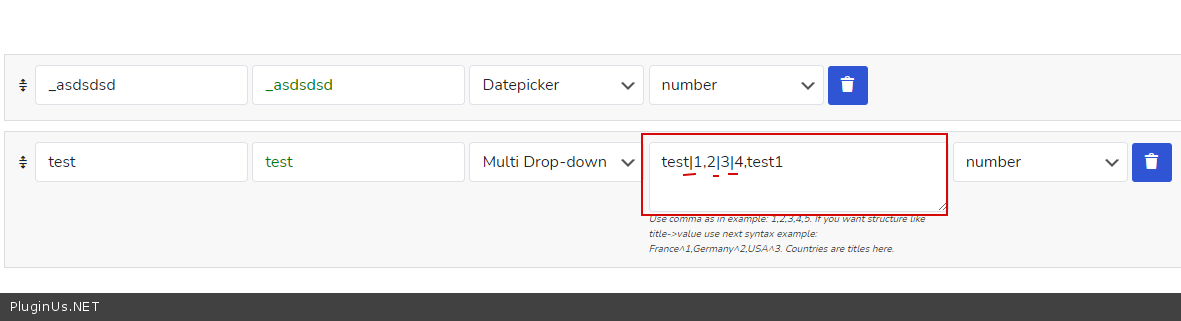
- 新钩子‘woof_meta_options_separator‘,需要替换选项中的逗号分隔符,当元数据中某个选项本身包含逗号时十分有用,示例:
add_filter('woof_meta_options_separator', function ($sep) {
    $sep = '|';
    return $sep;
});
- 新钩子‘woof_image_allow_term_desc‘,默认情况下会为图片添加术语描述,现在可以关闭此功能。默认值为true。示例:
add_filter('woof_image_allow_term_desc', function ($show) { return false; }); - 新钩子‘woof_mobile_btn_place_container‘ – 您可以覆盖移动端筛选按钮出现的选择器。默认css类为‘.woocommerce-products-header‘。代码示例:
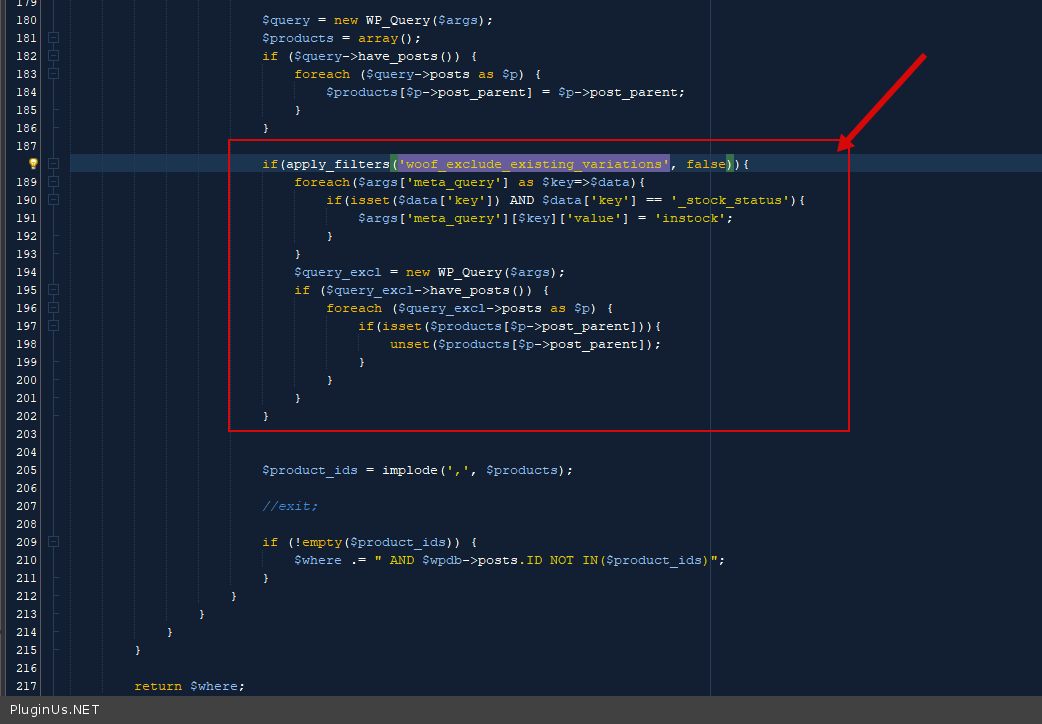
add_filter('woof_mobile_btn_place_container', function ($selector) { $selector = '#my_woof_btn_place'; //your id or css class (.my_woof_btn_place) return $selector; }); - 新钩子‘woof_exclude_existing_variations‘,这改进了有货搜索。因为并非所有人都需要搜索结果中包含变体,同时也可以避免多余的请求。默认值为false。示例:
add_filter('woof_exclude_existing_variations', function ($init) {
    $init = true;
    return $init;
});
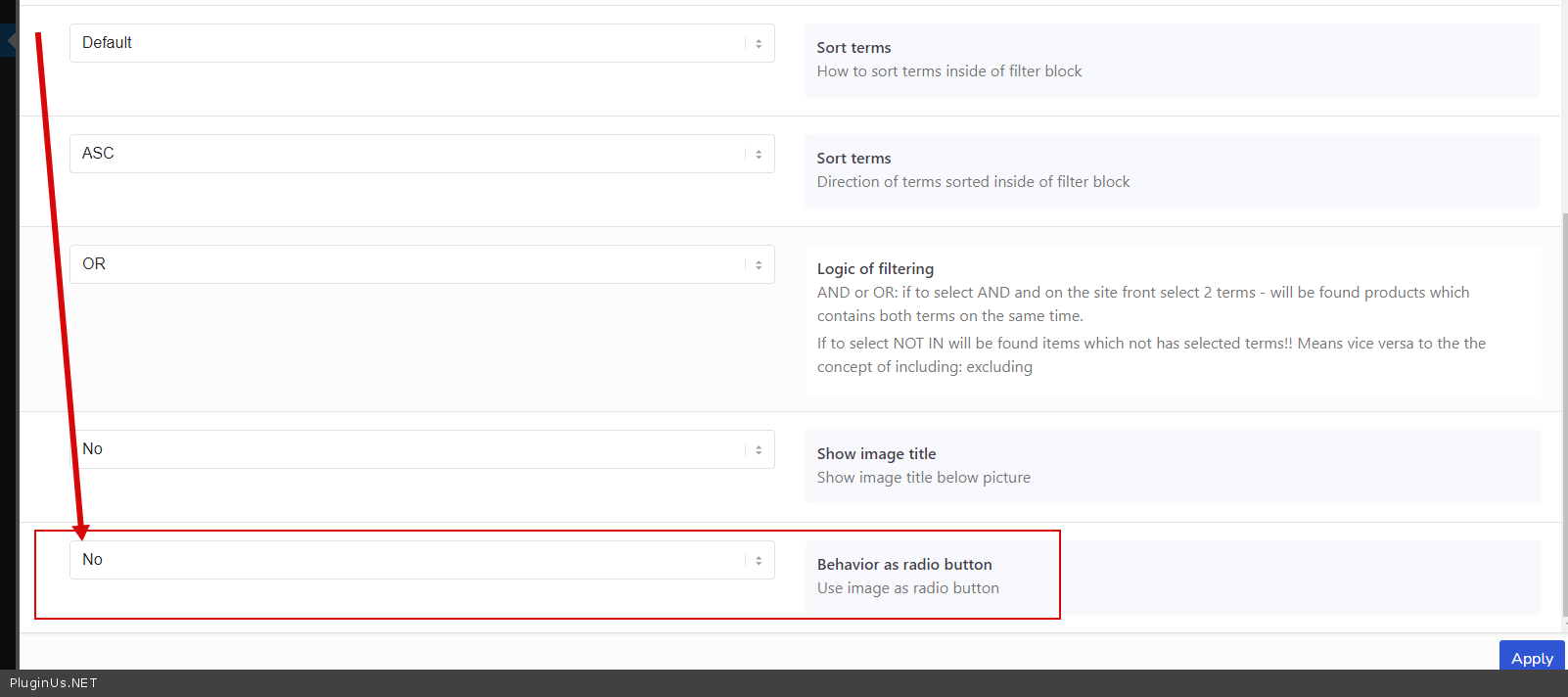
- 新选项,用于扩展 图片 的‘行为类似单选按钮‘