HUSKY - Products Filter Professional for WooCommerce

统计

Awesome things when you know what your customers prefer more, sure its is clear by your shop orders, but what if your customer looking for something that not represented on your shop and abandon it, and you have no clue what do they want? In this case Statistic of search requests will help you analyze customers needs more detailed, and will give you ideas how to expand the range of your products to get more profit on the shop. Even if you cannot has it for now, you can create such products quickly as zero in stock to let users can found them, and on that product page left discount code and short information about when the product shall appear in the stock – in such way you will catch more customers even without the products. Or another way – using 产品信使 对于空的搜索结果,您可以让您的客户订阅他们的搜索请求,当产品添加到您的商店时,他们会收到有关他们感兴趣的产品电子邮件。

您将在以下位置找到此扩展: 扩展 tab:

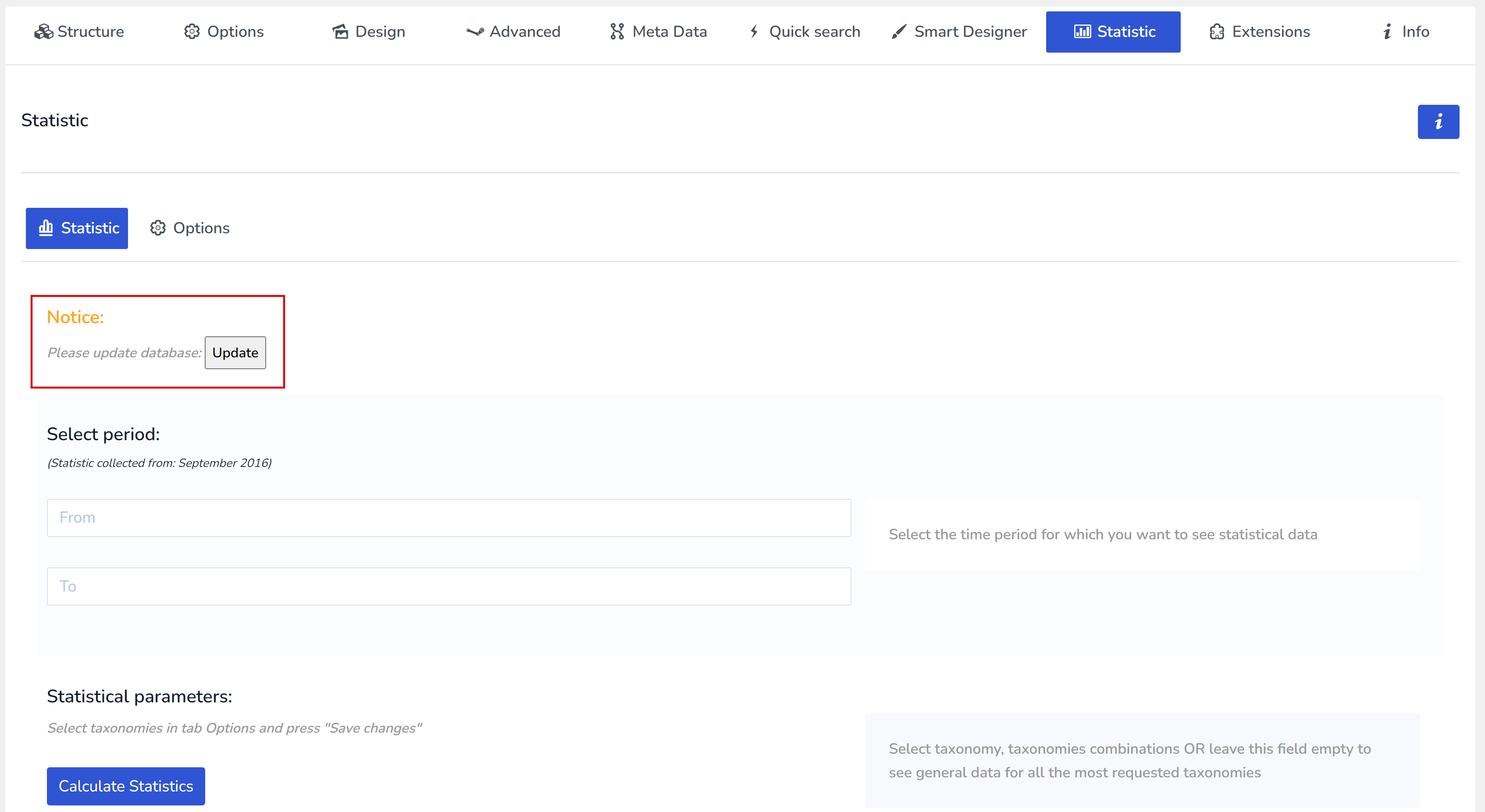
启用后,请转到其设置并点击“Update”数据库按钮

这将创建所需的数据库表并重新加载页面

然后进入其扩展设置并添加:主机、用户名、数据库名称和密码。点击“检查数据库连接”按钮,查看您是否正确输入了所有数据。

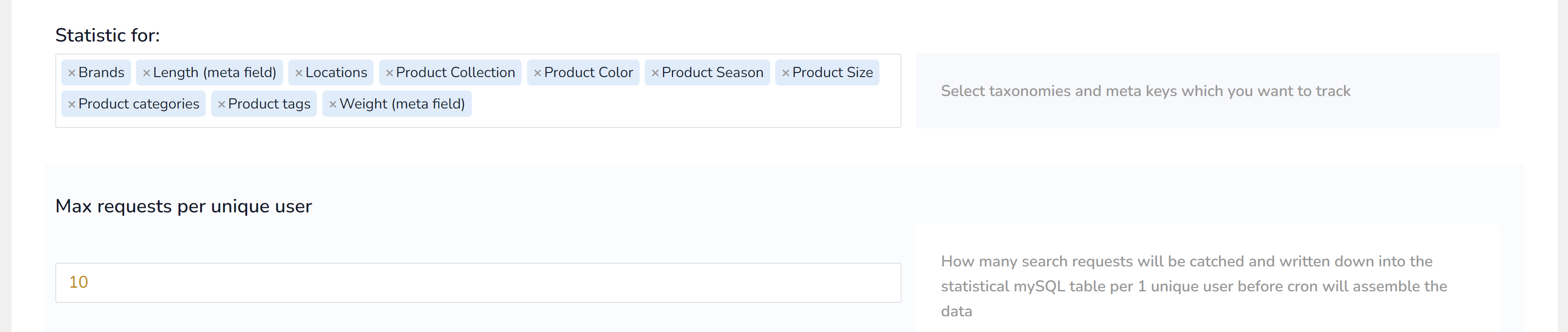
然后,重要的是选择您想收集哪些统计数据,然后按“保存”按钮:

Set another parameters there described. Now Statistic is ready, wait for some days to see results!

要在“统计”选项卡中查看数据,请选择您想要的时间段并选择分类、分类组合或留空以查看所有最常请求分类的通用数据。

另请阅读: https://products-filter.com/extencion/statistic

享受并致富 🙂