new option “Use filter blur” in tab Design – blur the filter until styles and JS scripts are loaded
new option “Additional check of the category page” in tab Advanced Options – There are problems recognizing the current category in block topics. This is fixed and it is installed to check whether the theme is a block one and then the correction code is connected, but sometimes this standard condition does not work for some themes then this code can be connected manually
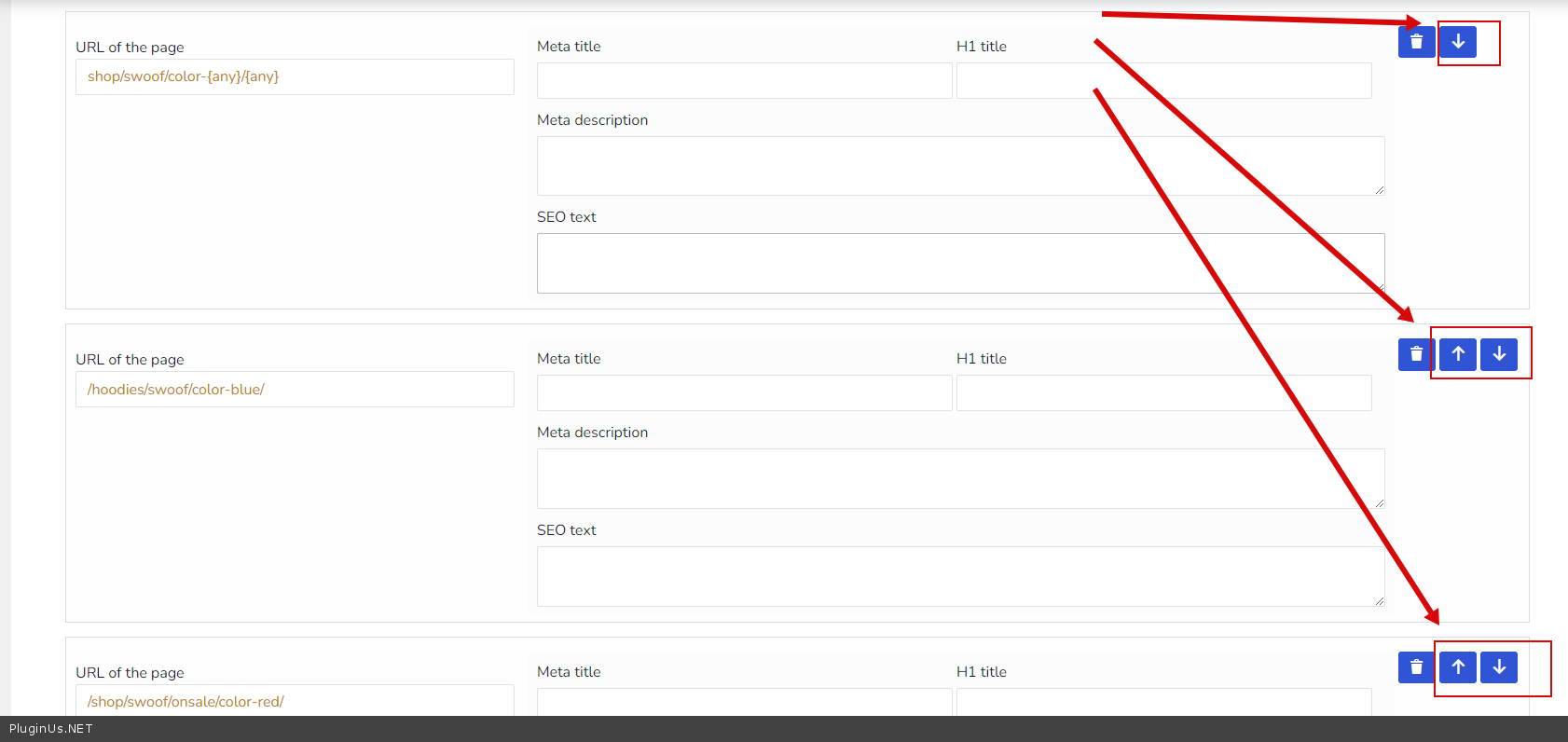
added possibility to change of order of SEO rules – in this way you can change the priority, that is, if part of the url matches, then the higher rule is processed
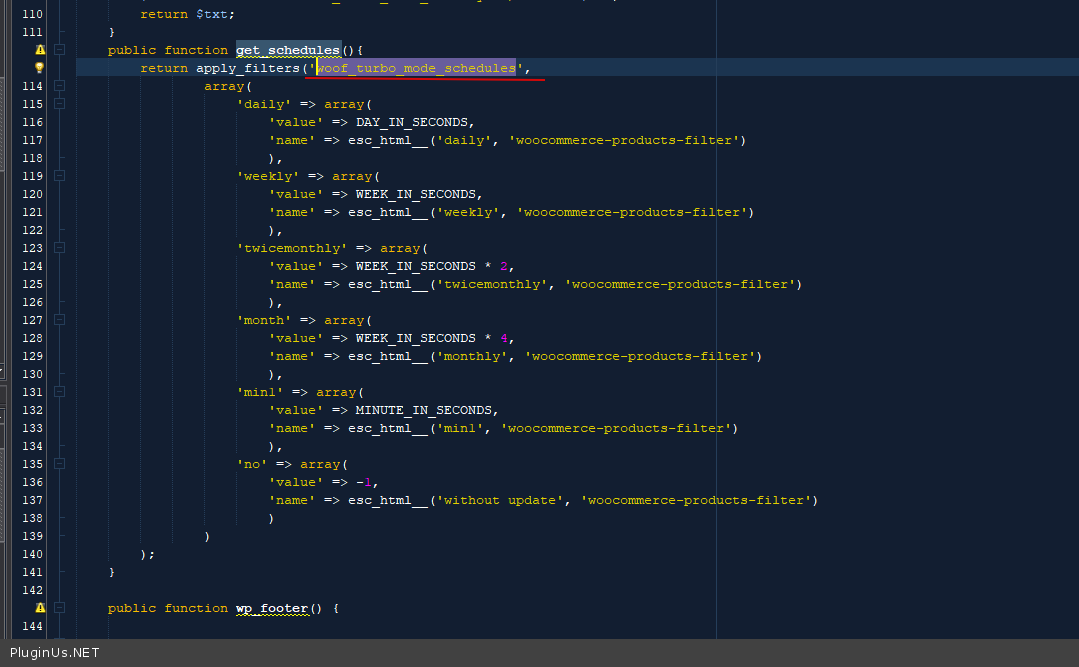
new hookwoof_turbo_mode_schedules – allows to add custom periods for products parameters updates in turbo mode, code example:
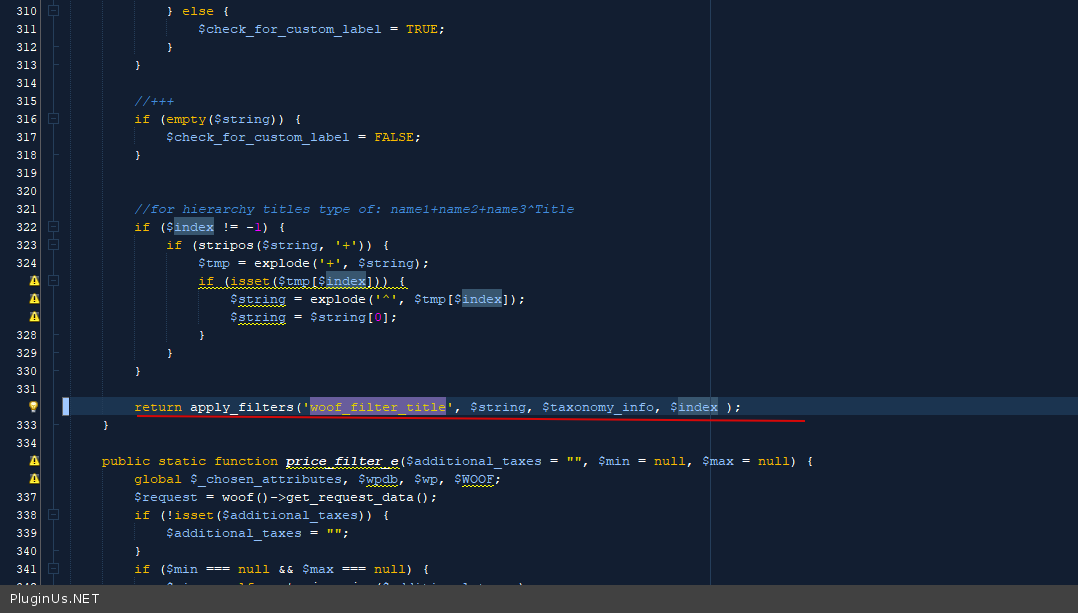
new hook-filterwoof_filter_title – all headings of both taxonomy and meta filters pass through this filter, so you can translate headings in your own way, code example:
add_filter('woof_filter_title', function($title, $tax_info, $index) {
    if (is_object($tax_info) && $tax_info->name == 'pa_size') {
        $title = '尺寸'; // Chinese characters for "size"
    }

    return $title;
}, 10, 3);
🌸
Shortcodes, hooks and extensions reference for HUSKY WooCommerce Product Filter
Codex — HUSKY Product Filter
We use cookies to ensure that we give you the best experience on our website. If you continue to use this site we will assume that you are happy with it.