New attribute: start_filtering_btn_txt for shortcode [woof]: [woof start_filtering_btn=1 start_filtering_btn_txt=”Lets start!”] – allows to set text for start_filtering_btn attribute
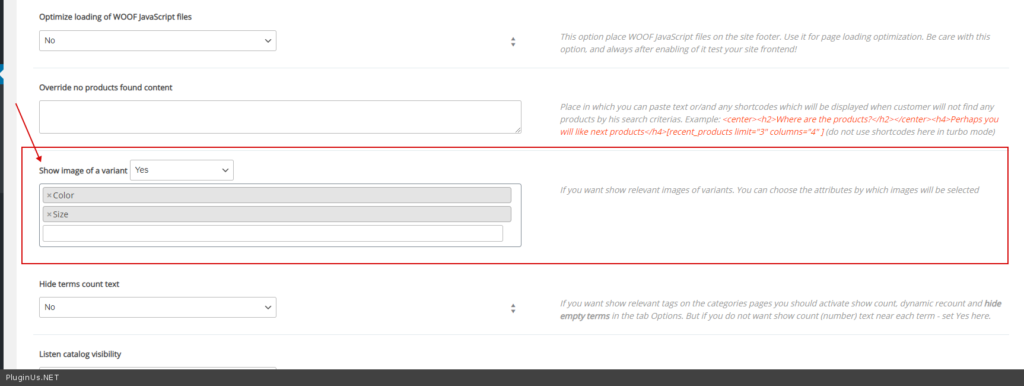
New feature: tab Advanced -> tab Options -> “Show image of variation” – for variable products you can show an image depending on the current filter selection:
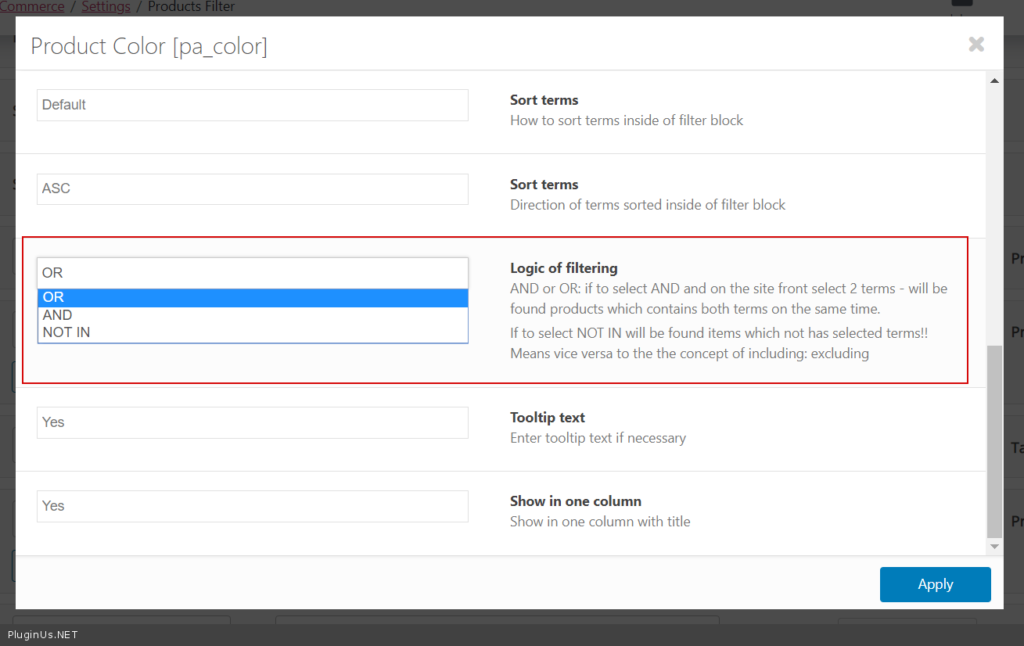
Option “Logic of filtering” is extended, added ‘NOT IN‘ mode. If to select NOT IN will be found items which not has selected terms!! Means vice versa to the the concept of including: excluding
New extension: Slideout – allows to show filter in slide out container as on the whole shop, so on separated pages also. Can be represented as shortcode on the single pages.
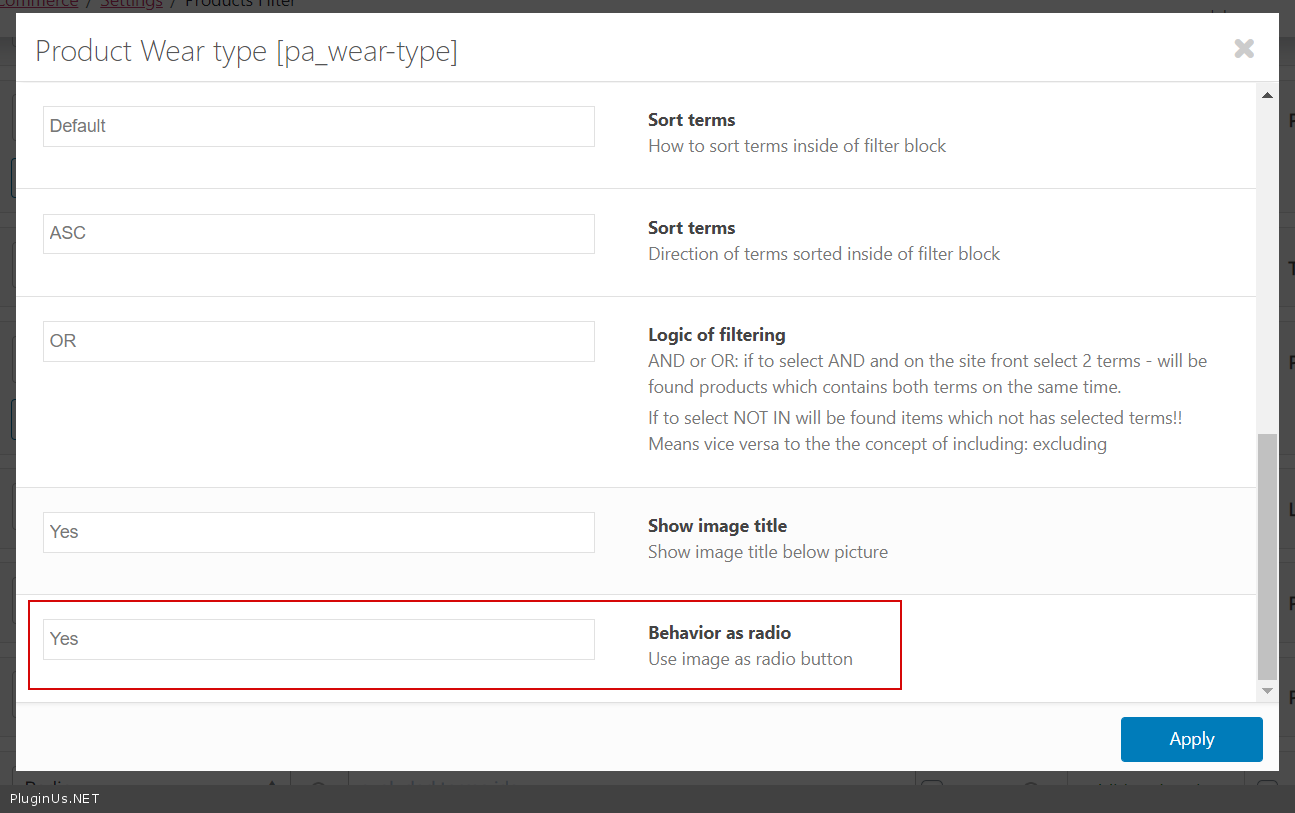
For images in the filter added new behavior feature: “Use image as radio button”
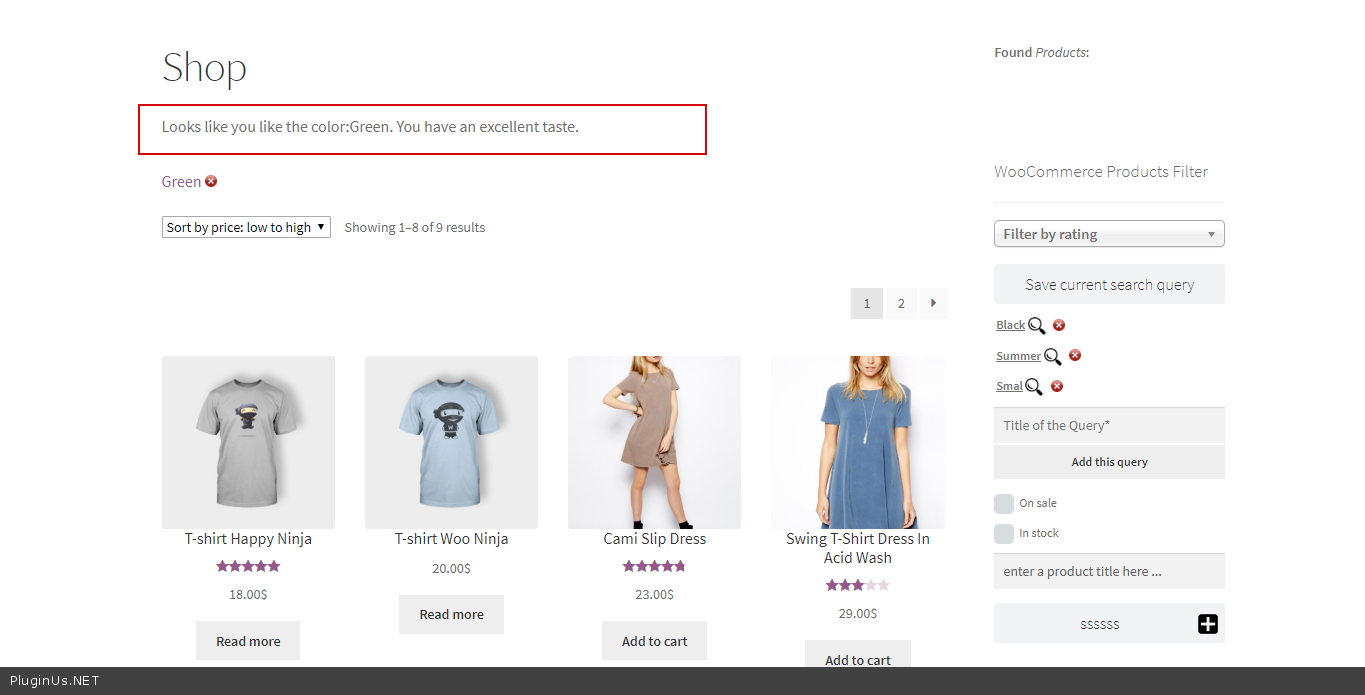
New hook: woof_products_top_panel_content for displaying any business content on the top of the filtration results
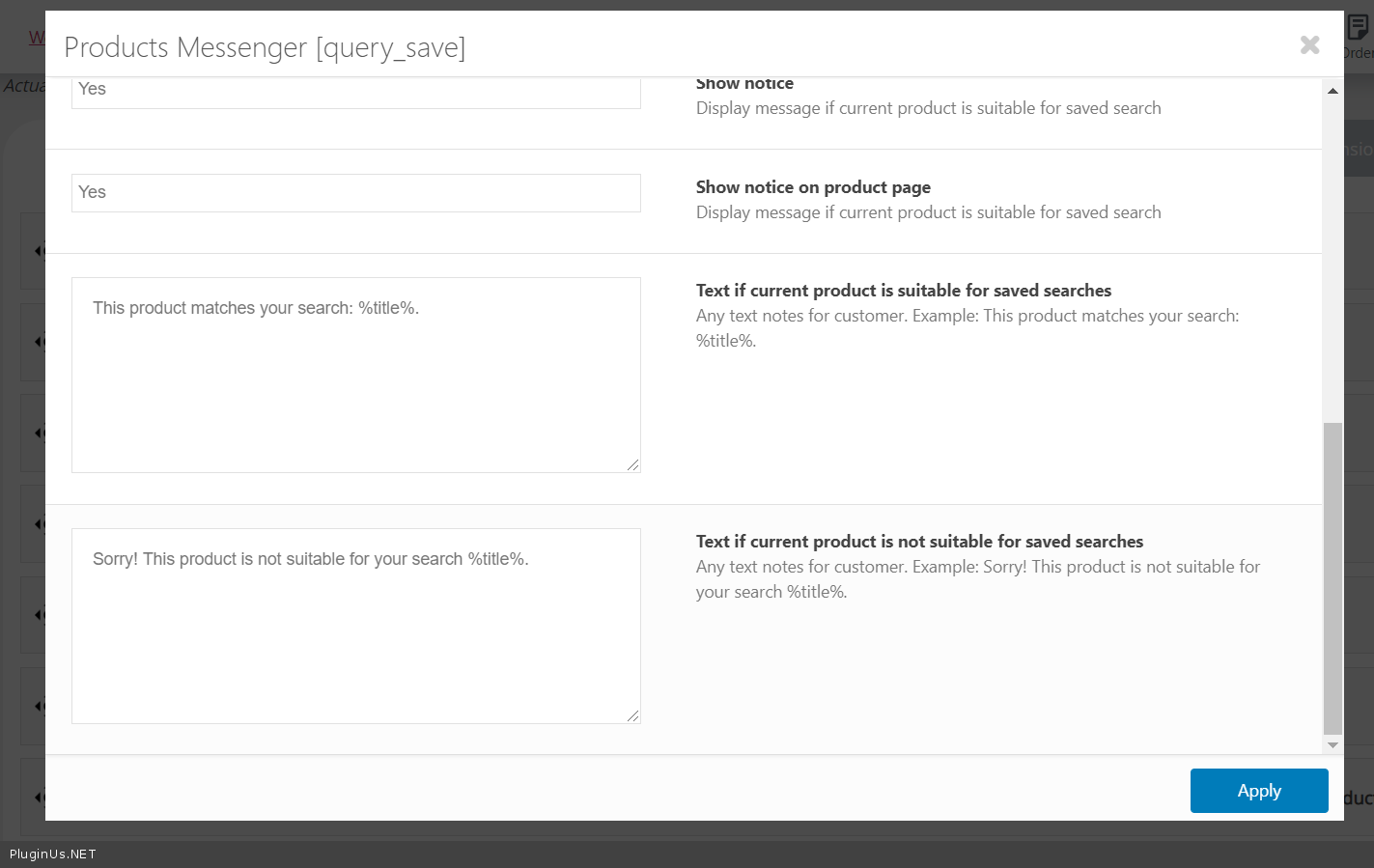
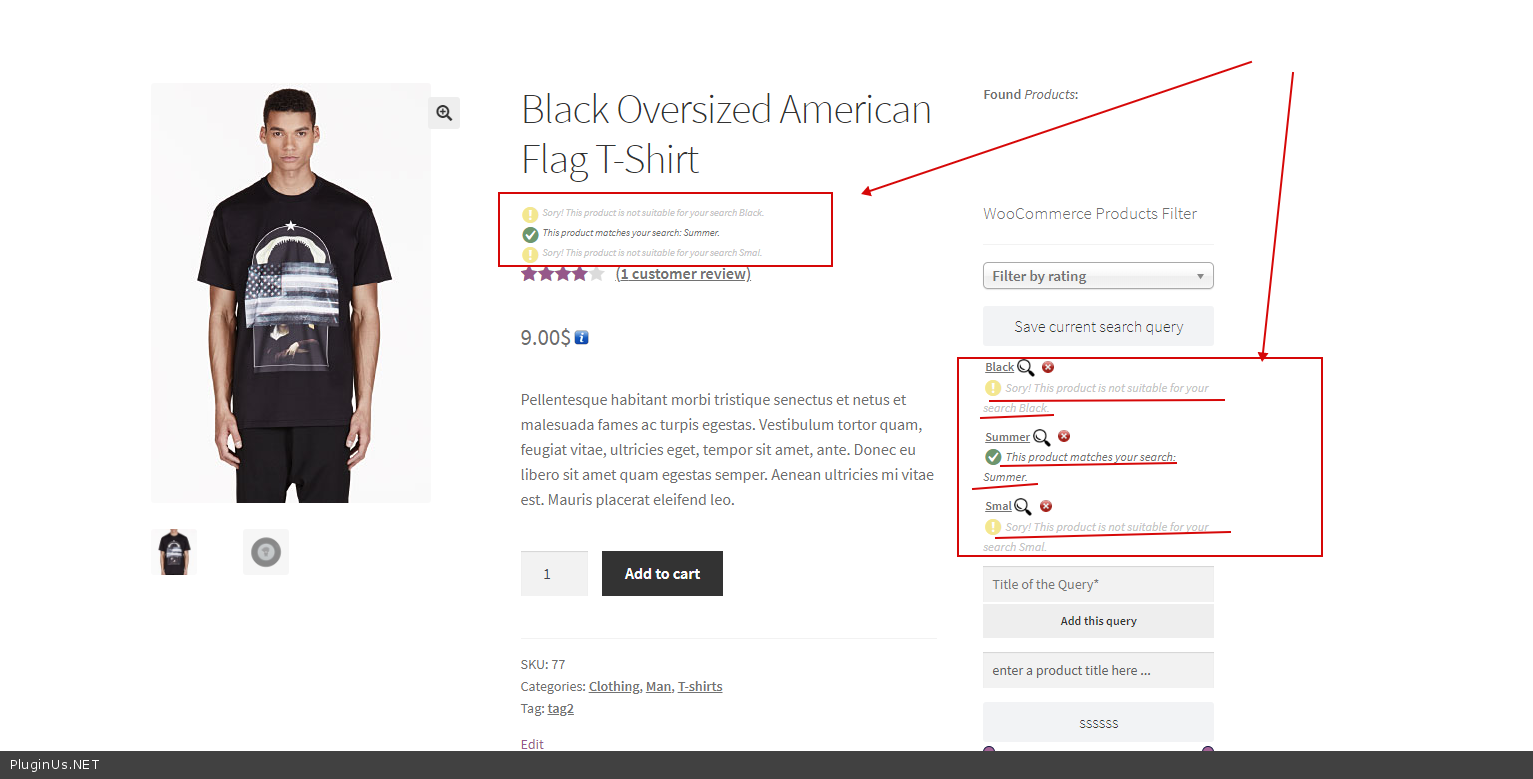
New features for Query save extension: shows if the saved search is suitable for the current product
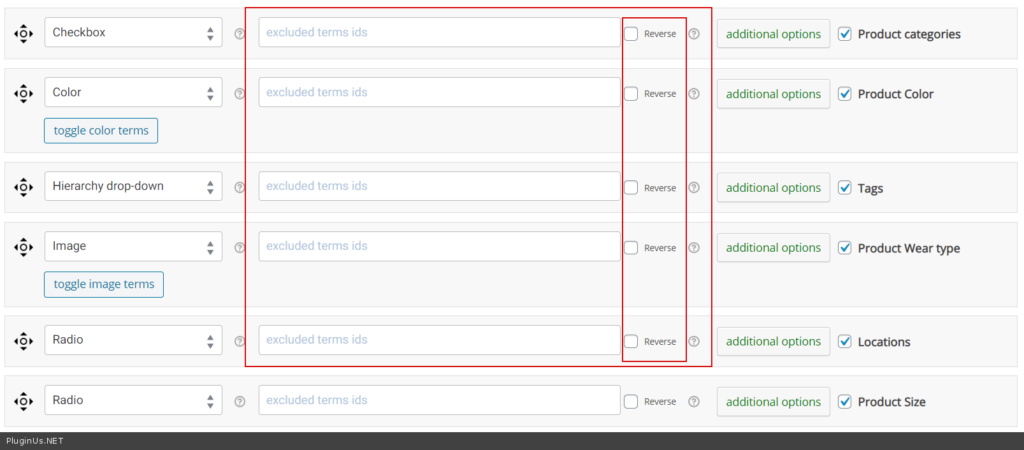
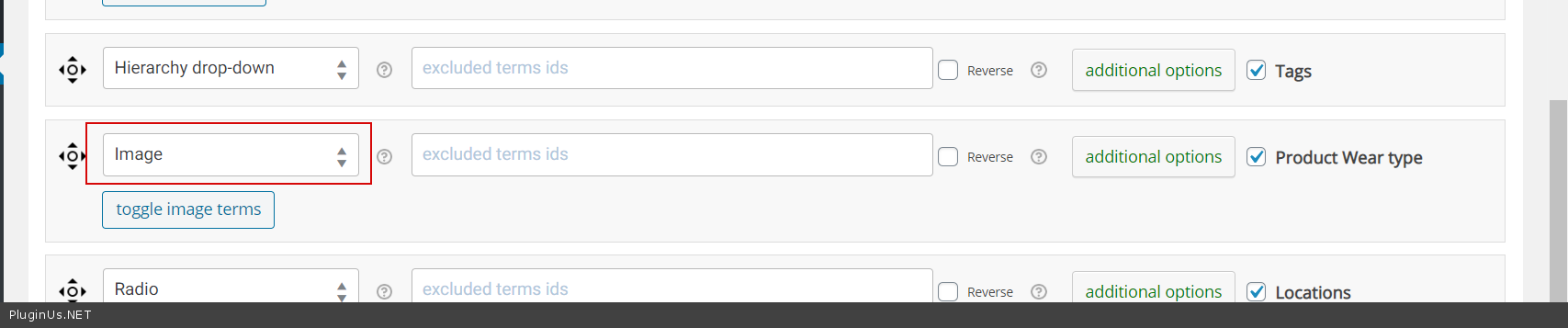
New feature: Reverse for “exclude terms” functionality. Use Reverse if you want to make vice versa to “include”
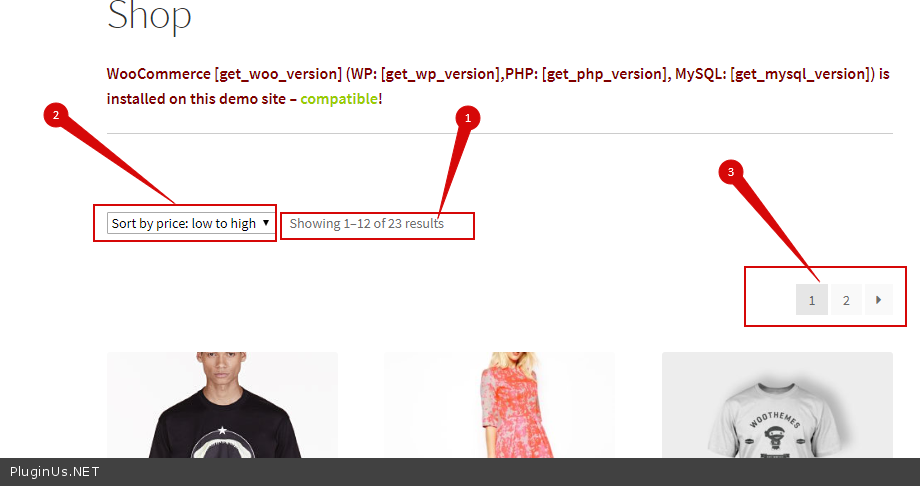
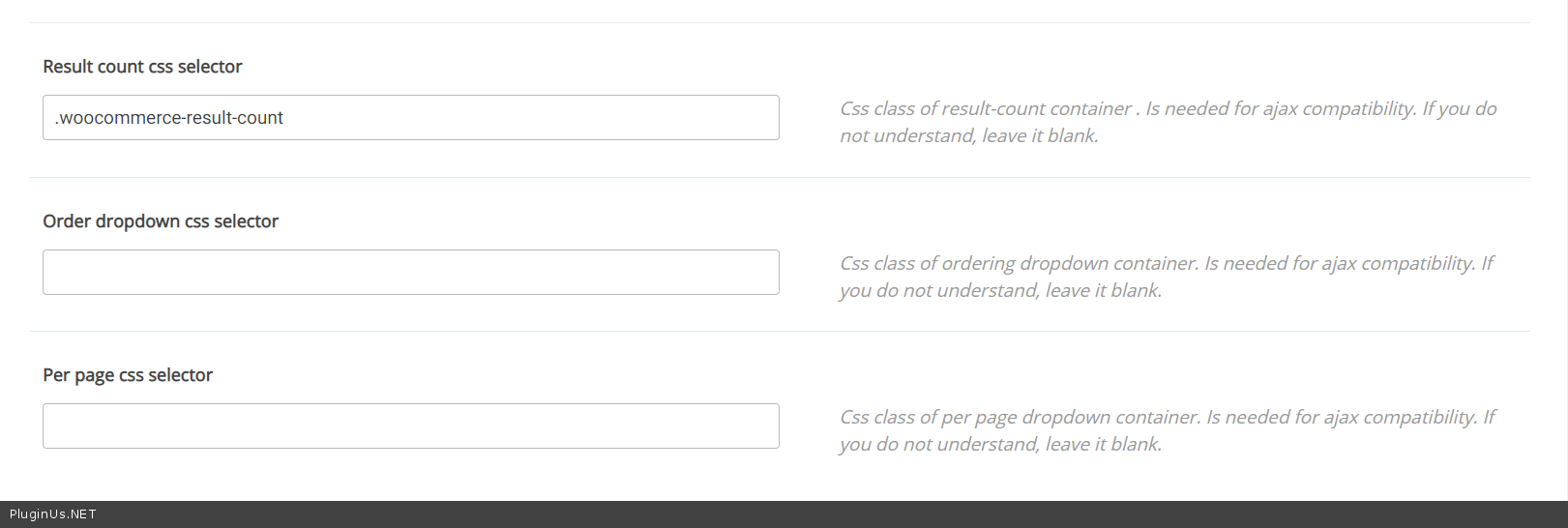
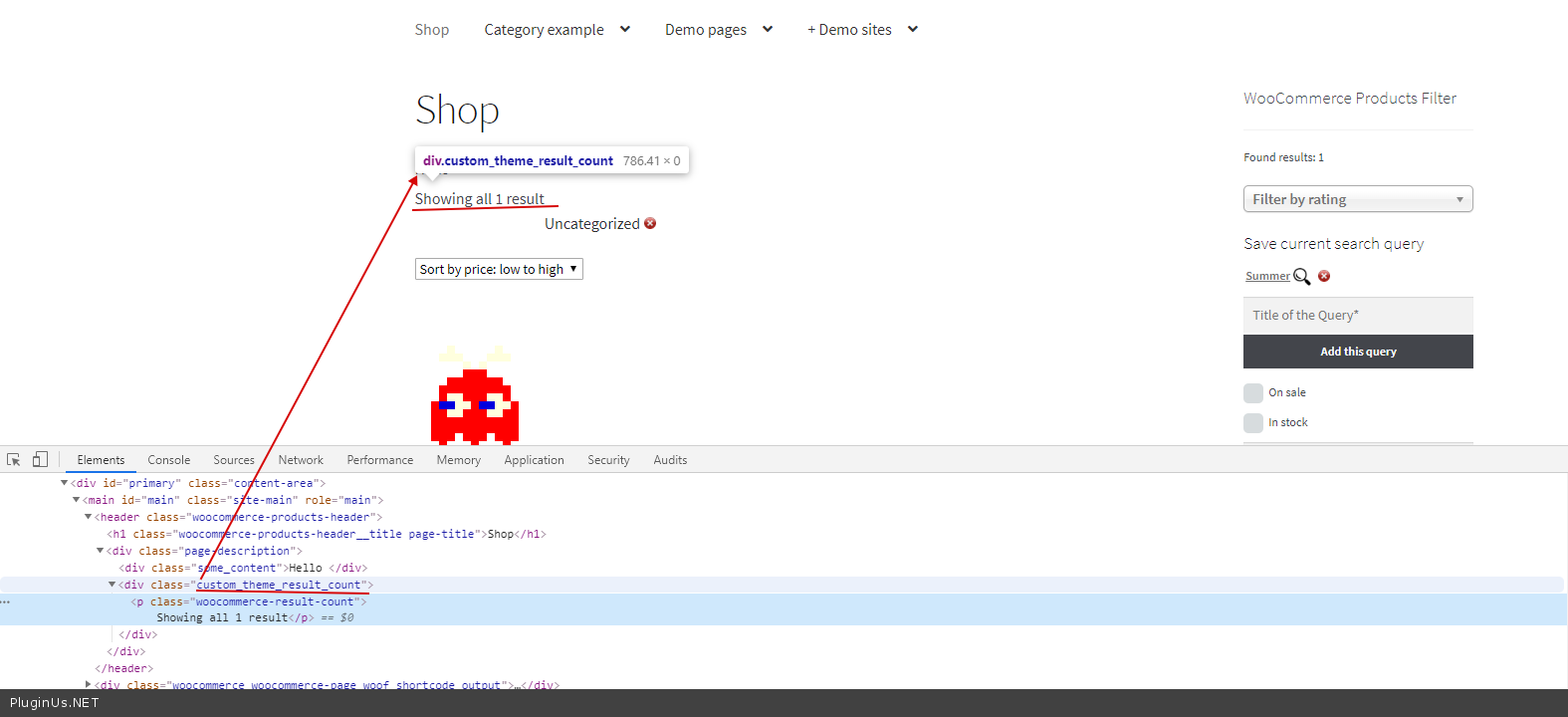
More options in tab Advanced added for AJAX mode adaptations: products, sorting, pagination
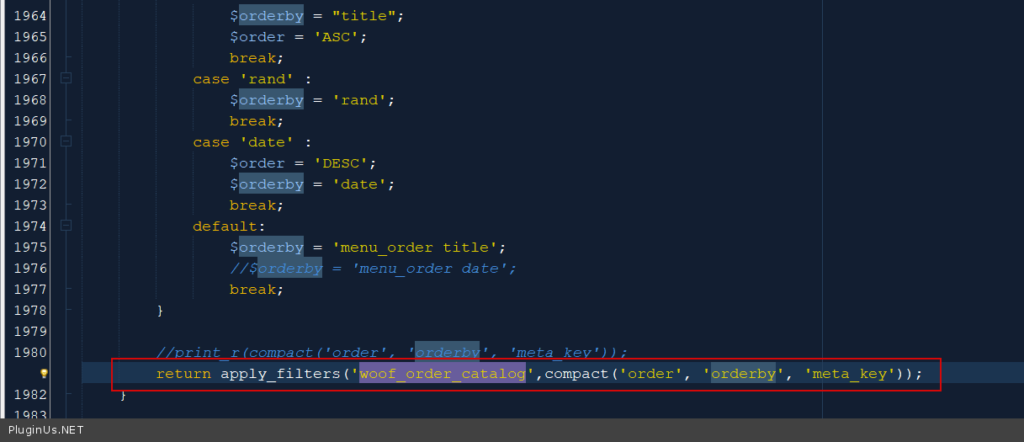
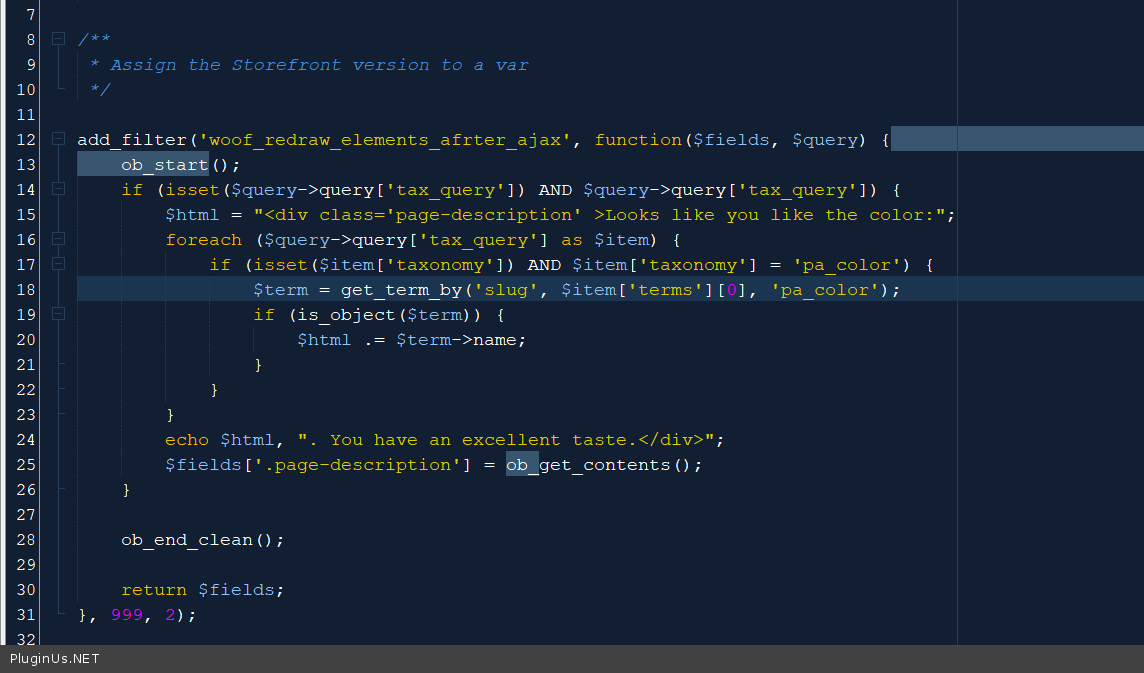
New hook: woof_redraw_elements_after_ajax – adds possibility to display any filter-conditional information after ajax redrawing, see the code below:
Updated extension shortcode woof_step: added attributes images for each step, example [woof_step selector=’.woof’ img_behavior=’prepend’ by_step=’product_cat,pa_color,by_price,pa_size’ images=’product_cat:1391,pa_color:876,pa_size:982′ filter_type=1], attribute img_behavior herecan has value as prepend or append, attribute selector – is container where this images should be placed
Shortcodes, hooks and extensions reference for HUSKY WooCommerce Product Filter
Codex — HUSKY Product Filter
We use cookies to ensure that we give you the best experience on our website. If you continue to use this site we will assume that you are happy with it.