[woof_front_builder]
From v.2.3.4/1.3.4
This shortcode creates a product filter form directly on the site front using a visual constructor. Here is the demo page where you can manage its options like the site administrator.
Full syntax is: [woof_front_builder name=”My filter form” popup_width=800 popup_height=600]
- name – is required parameter, and should be unique
- popup_width and popup_height is just for your convenience when working with popup
When this shortcode is inserted will be appeared special button for the site administrator:
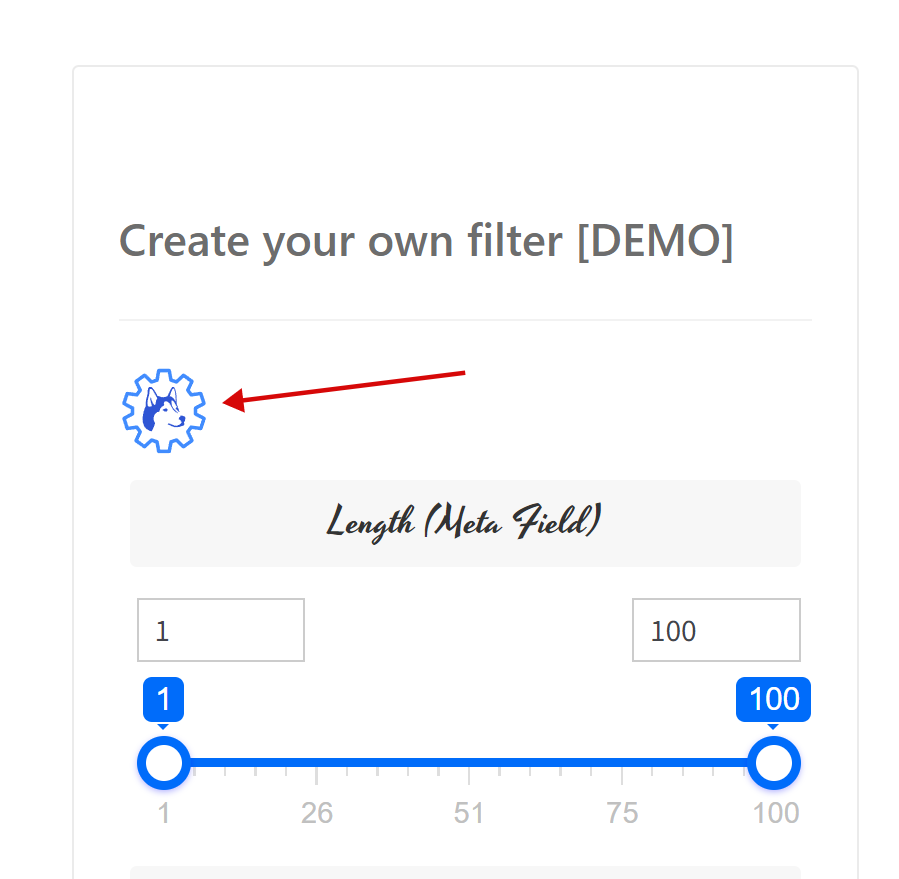
Note: when making dev on front new filter form better disable dynamic recount to let the form redraw faster. After form is done – enable dynamic recount if necessary
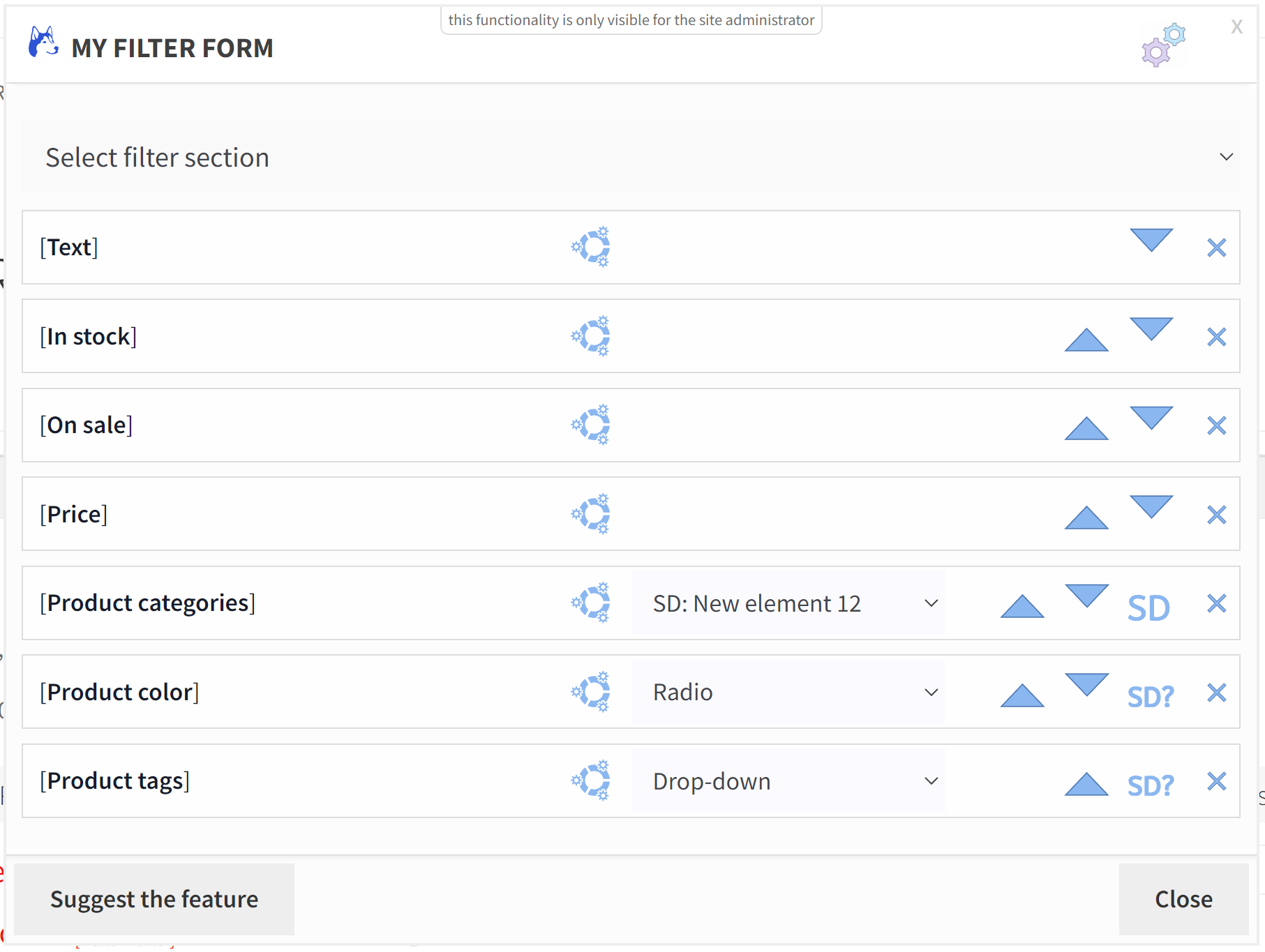
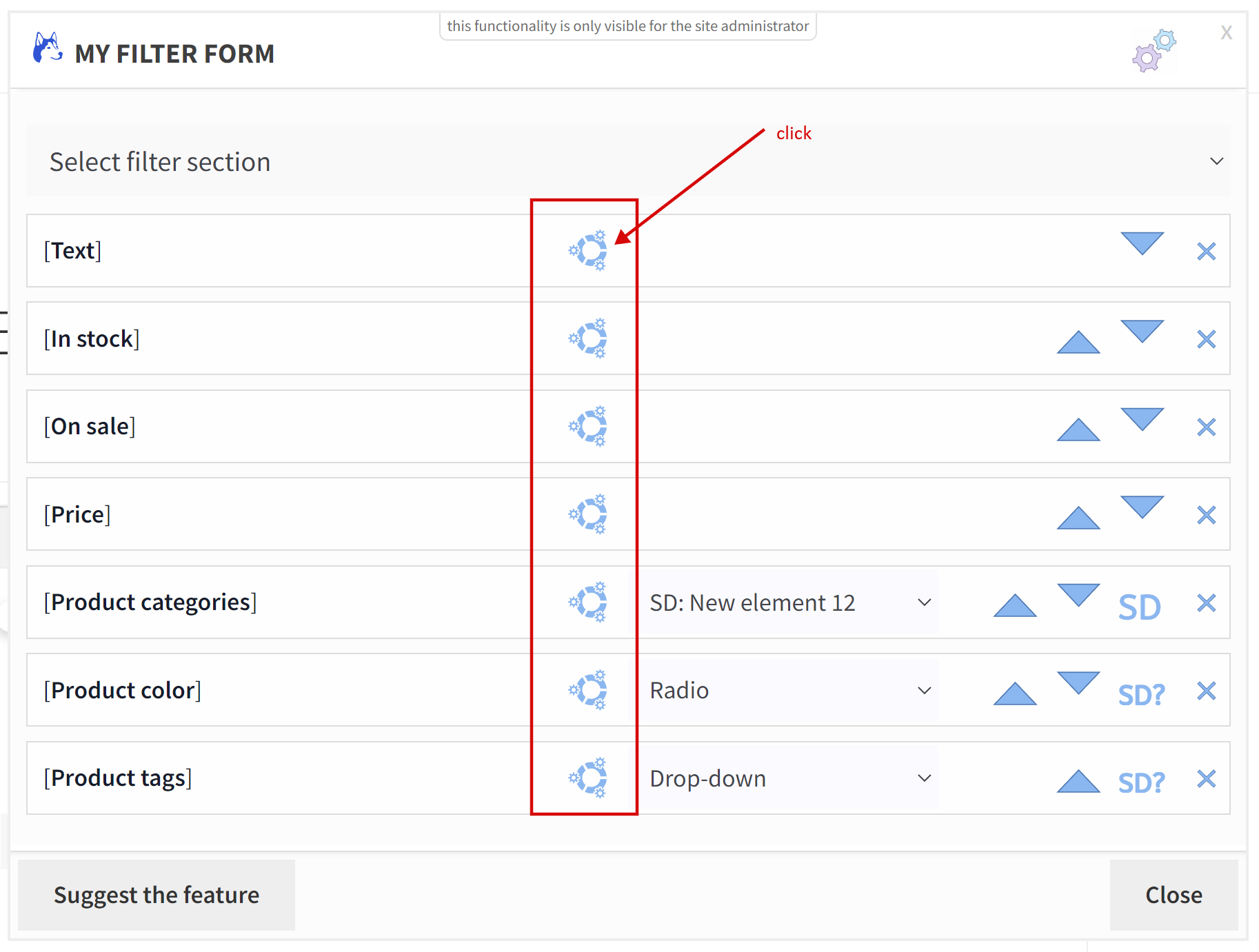
Clicking this button opens a movable popup window where you can:
- add filter section using top drop-down there
- reorder added filter sections
- set general settings for the filter
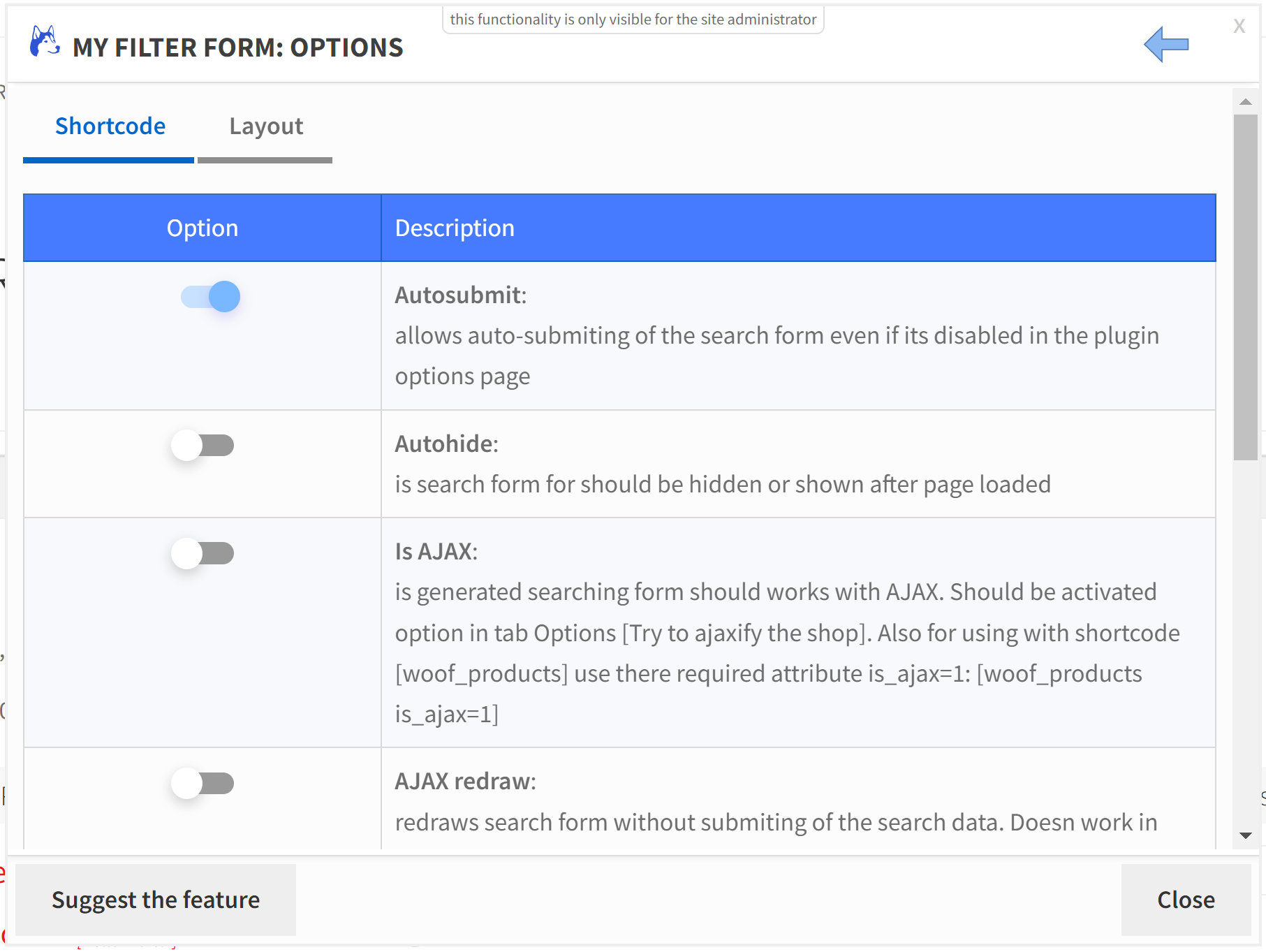
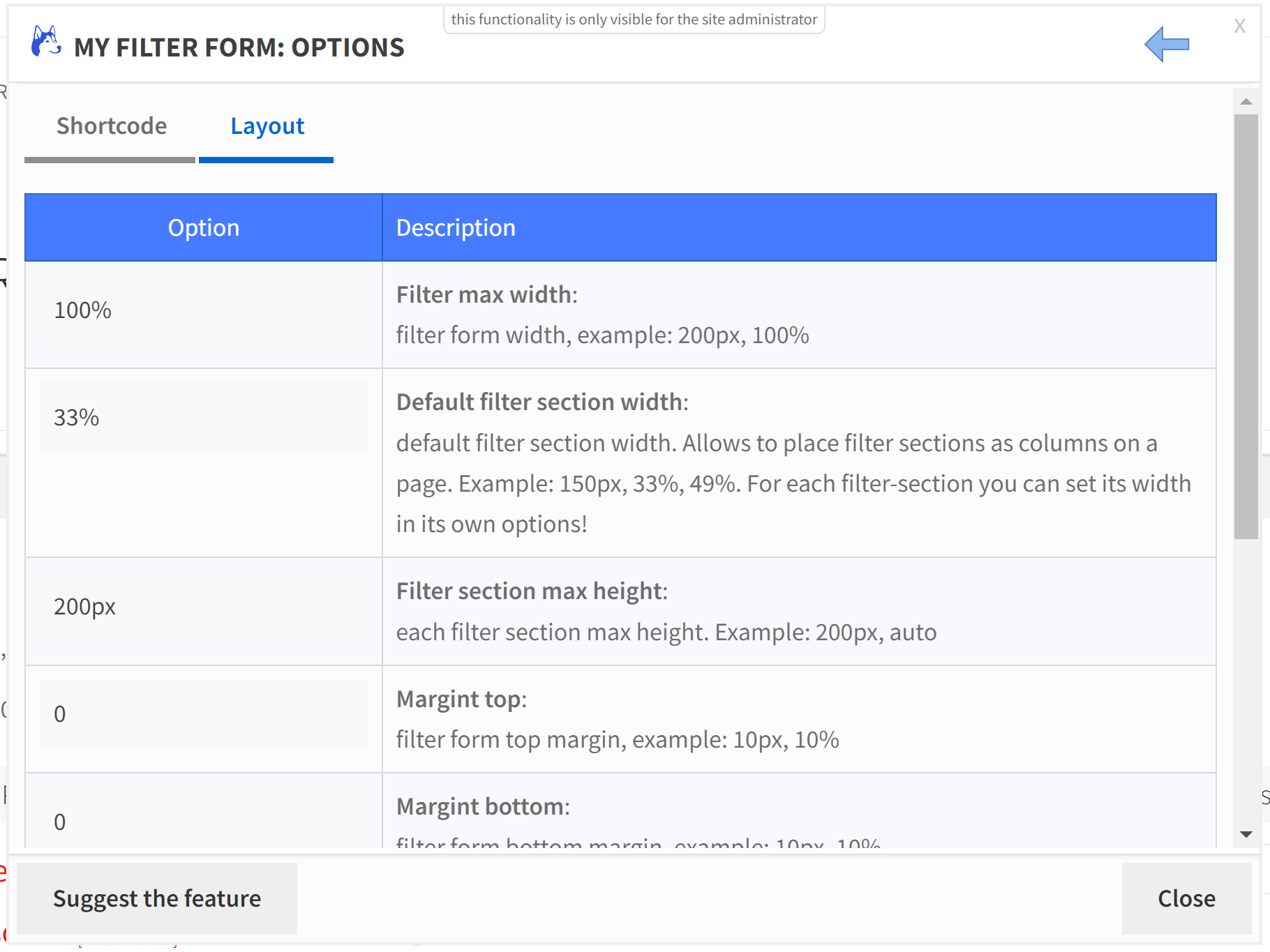
- Also each filter element hast its own options [depending of its type]:
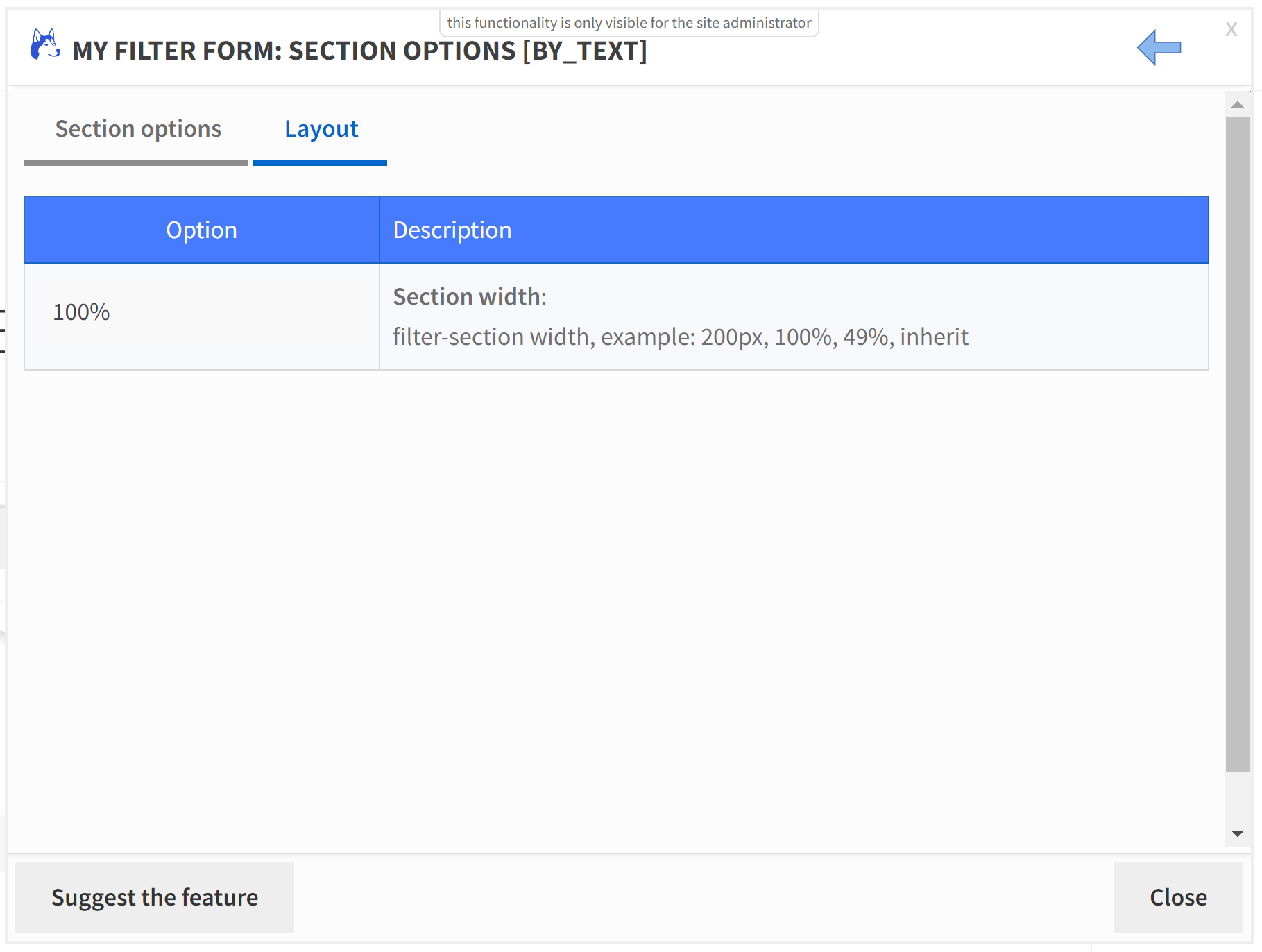
- All filter elements has tab ‘Layout‘ where it is possible to set its personal width in px and %, which lets you manage the filter elements layout more effectively:
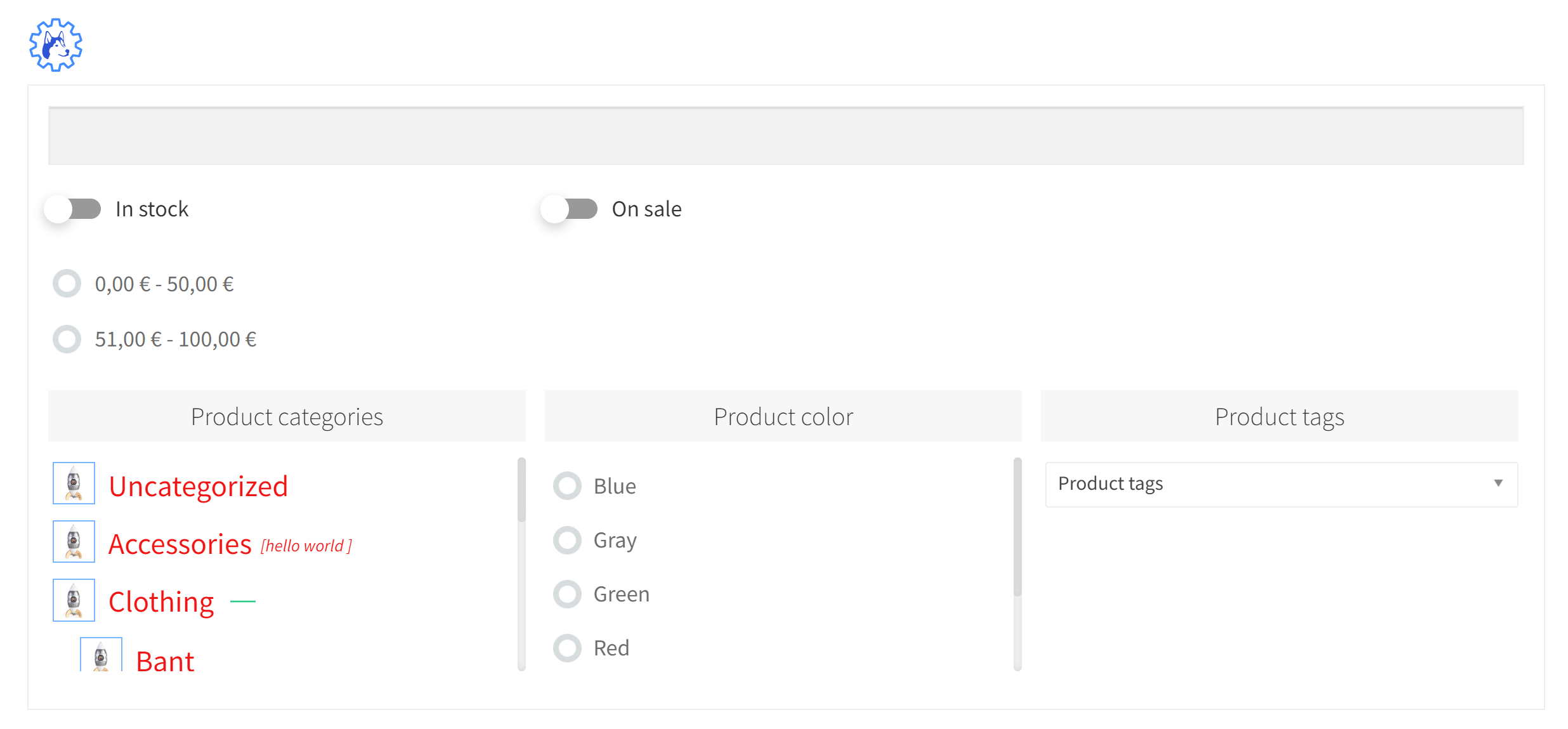
- Just play with its options to see what more fit your business needs …
Note: enabling option ‘Is AJAX‘ has no sense if not enabled support for AJAX on the plugin option [tab Options -> Try to ajaxify the shop] OR if you using shortcode [woof_products] use there also attribute ‘is_ajax‘: [woof_products is_ajax=1]
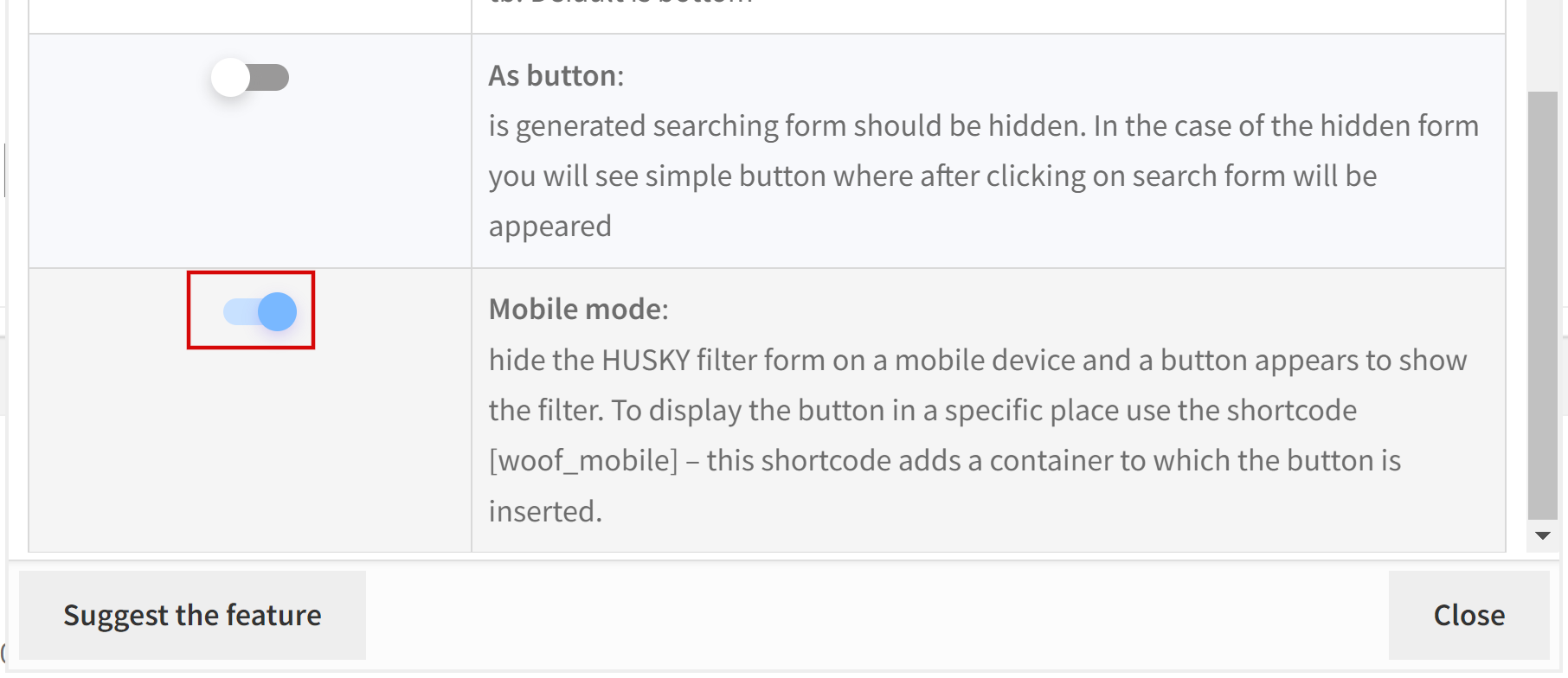
Note: for mobile support use shortcode [woof_mobile] placed on the place where mobile button should be appeared in mobile mode. And do not forget to enable in the shortcode option ‘Mobile mode‘
Hint: how to insert any HUSKY filter above the products? In file functions.php of the current wordpress theme add next code:
add_action('woocommerce_before_shop_loop', function () {
    if (!WOOF_REQUEST::isset('woof_before_shop_loop_done')) {
        echo do_shortcode('[woof_front_builder name="top filter"]');
    }
}, 2);
Attribute ‘name‘ can has any name, but unique