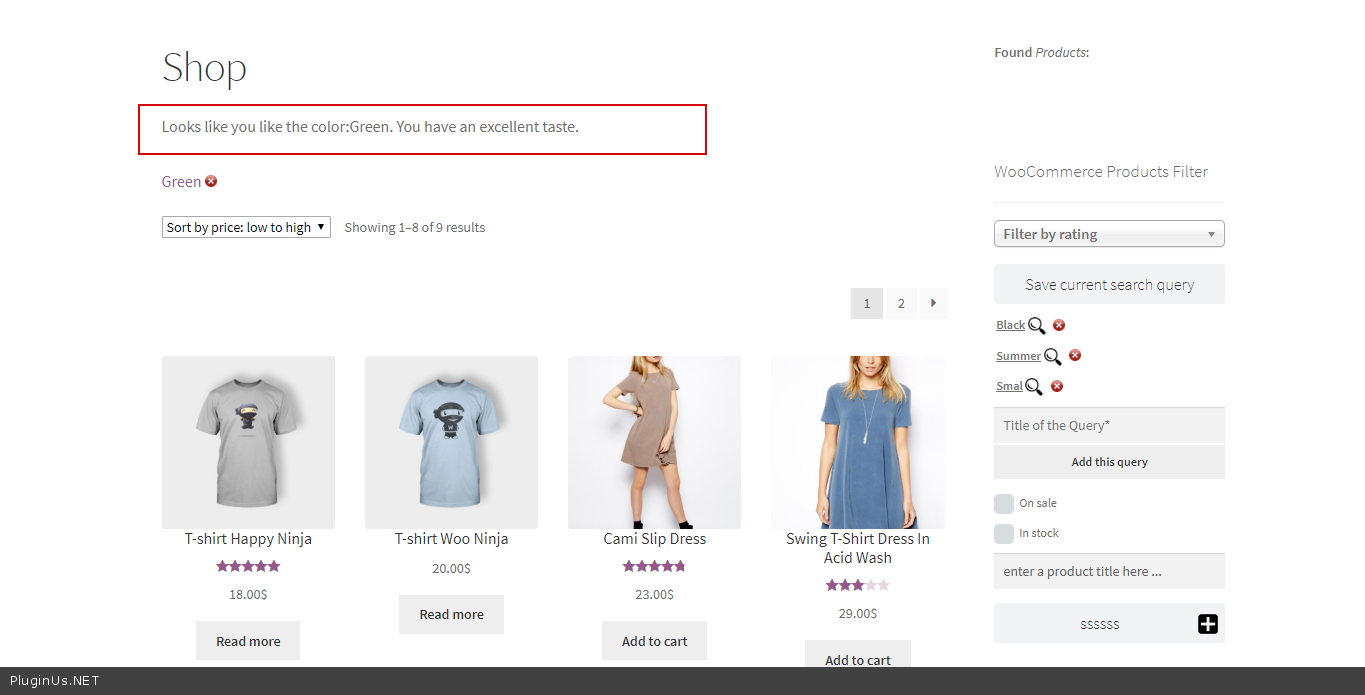
WooCommerce Product Filter v.2.2.4 更新
- 新属性:短代码 [woof] 的 start_filtering_btn_txt:[woof start_filtering_btn=1 start_filtering_btn_txt=”Lets start!”] —— 允许为 start_filtering_btn 属性设置文本
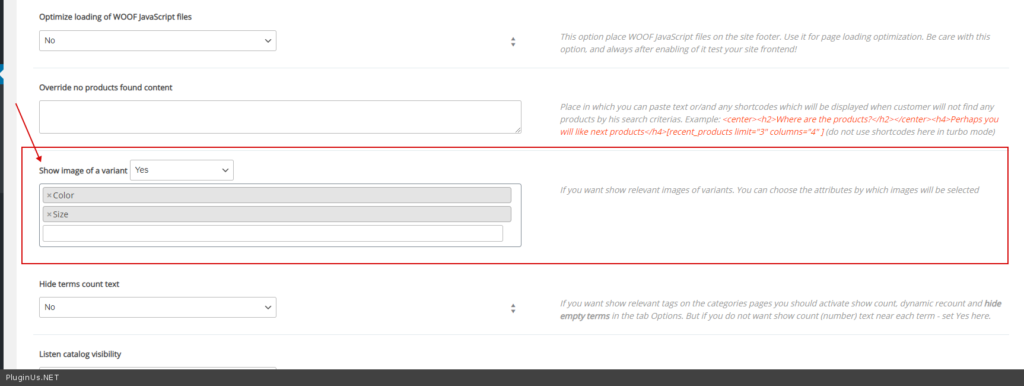
- 新功能:标签 Advanced -> 标签 Options -> “显示变体图像” —— 对于可变产品,可以根据当前筛选选择显示对应的图像:
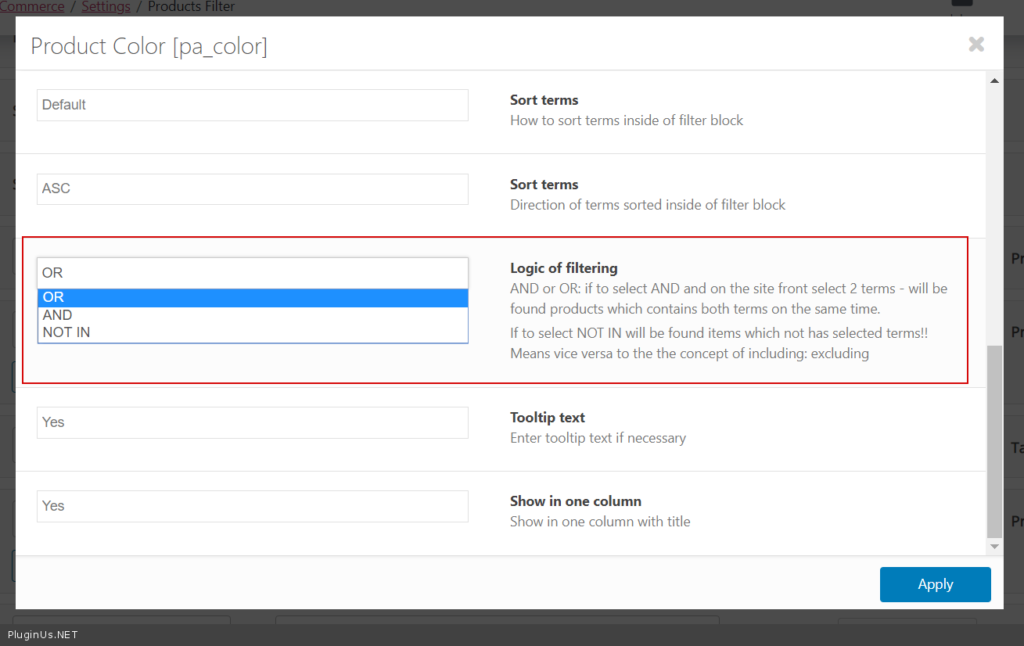
- 选项“筛选逻辑”已扩展,新增了‘NOT IN’模式。如果选择 NOT IN,将找到不包含所选筛选条件的项目!即与包含逻辑相反:排除
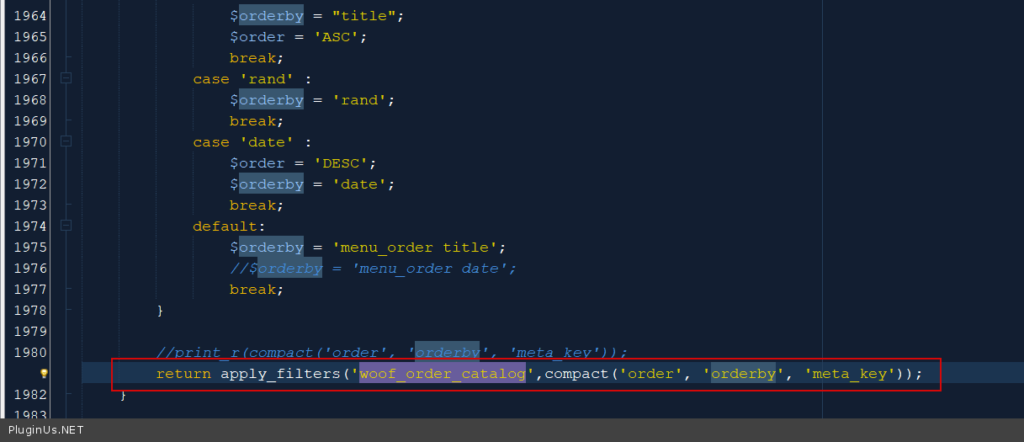
- 新钩子:woof_order_catalog —— 允许为产品目录添加自定义排序
- 新扩展:Slideout —— 允许将筛选器显示在滑出容器中,既可用于整个商店,也可用于单独页面。也可以在单个页面上以短代码形式呈现。
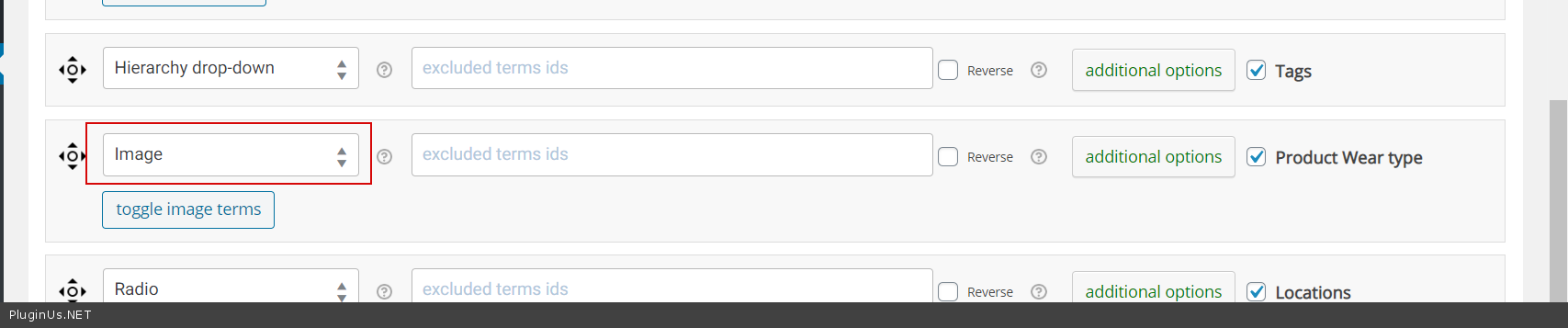
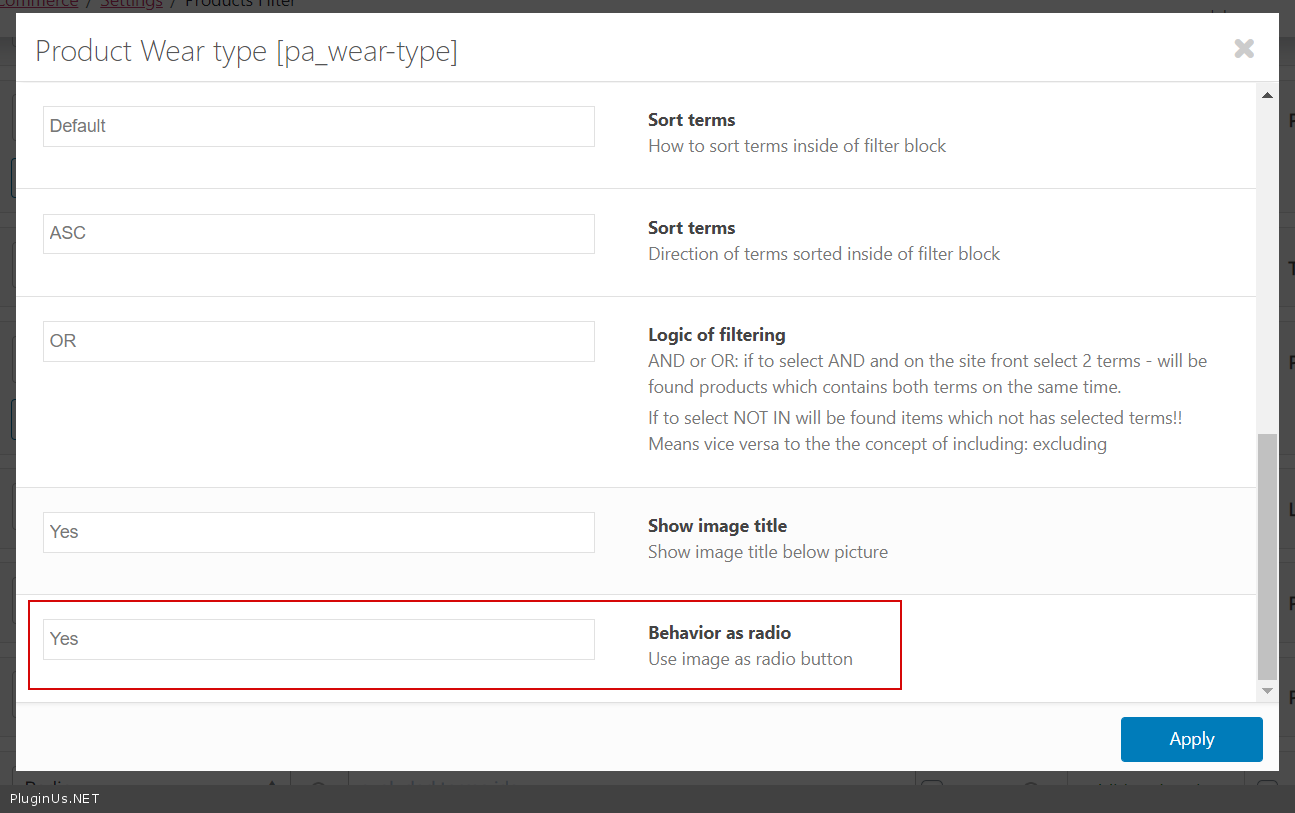
- 为筛选器中的图像添加了新行为功能:“将图像用作单选按钮”
- 对于扩展,可以在主题文件夹中覆盖模板。
- 新钩子:woof_products_top_panel_content,用于在筛选结果顶部显示任何业务内容
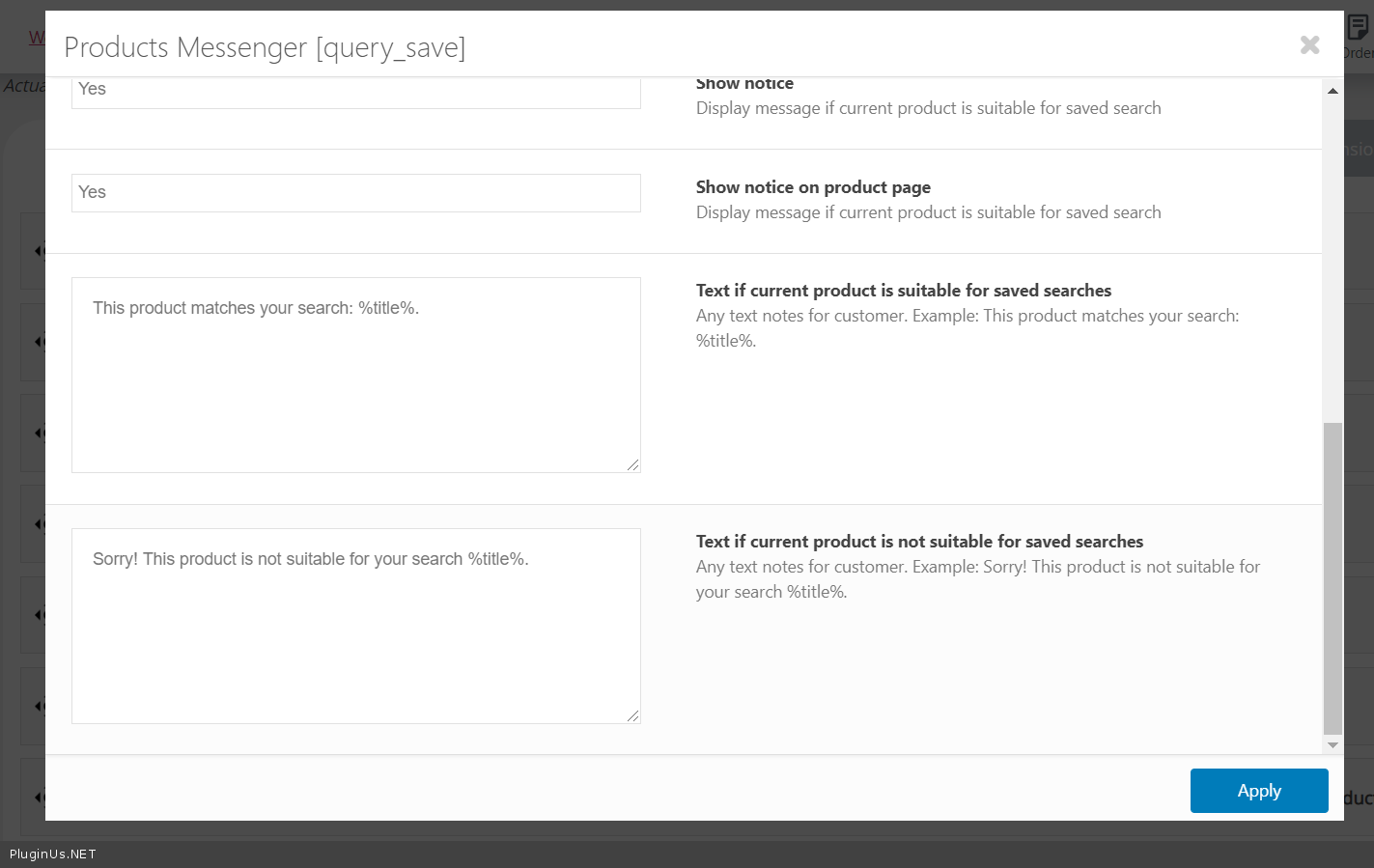
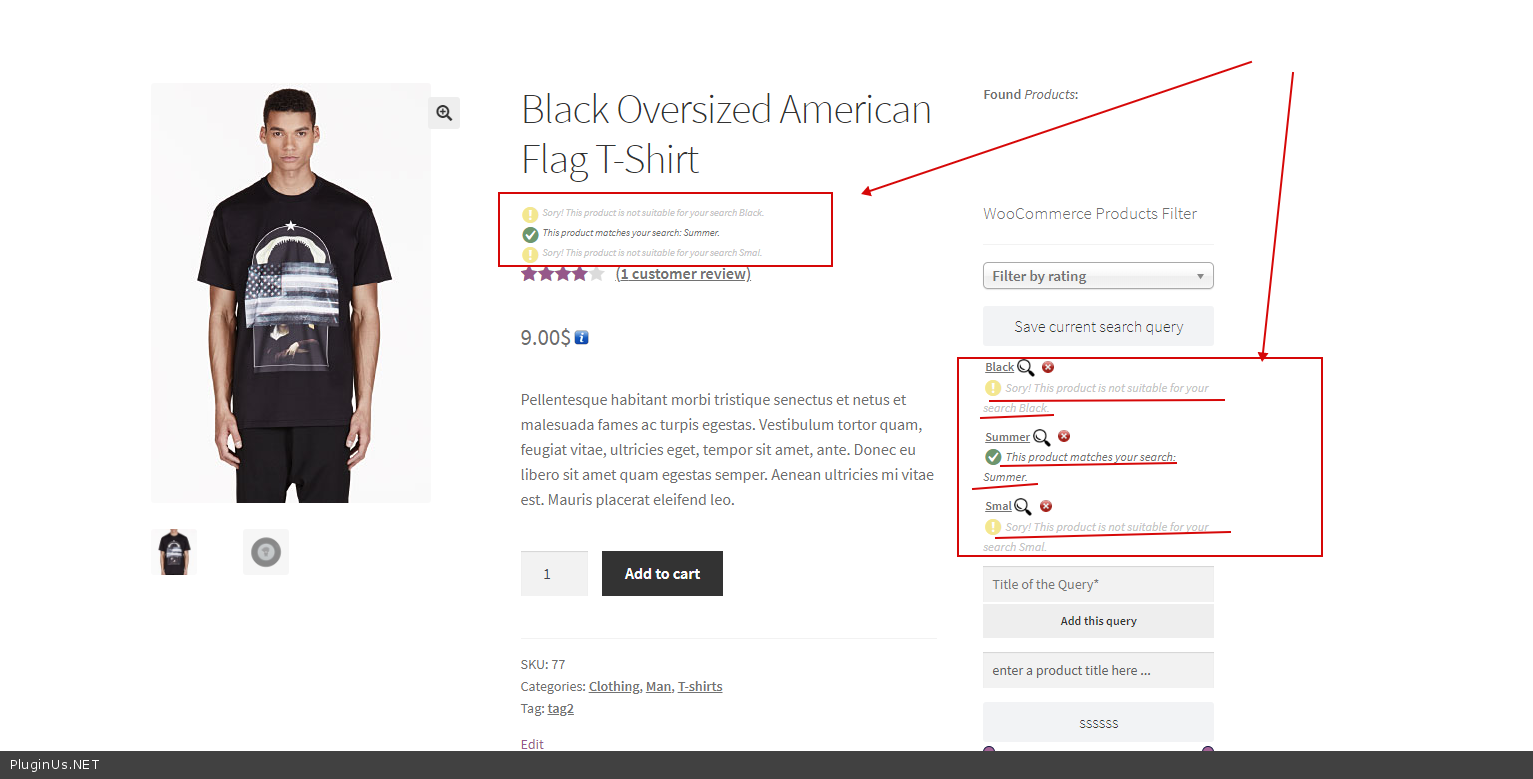
- 新功能:针对查询保存扩展:显示保存的搜索是否适用于当前产品
- 新功能:“排除筛选条件”功能的逆反操作。如果你想实现与“包含”相反的效果,请使用逆反操作。
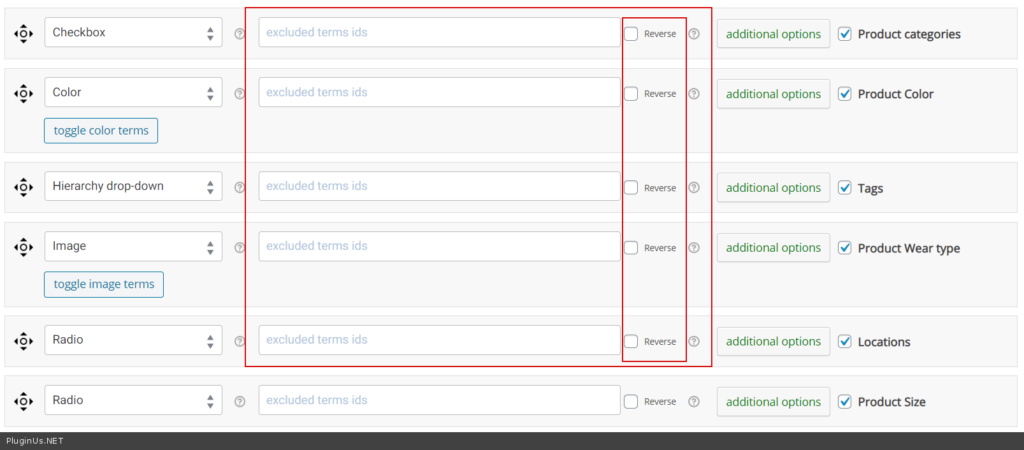
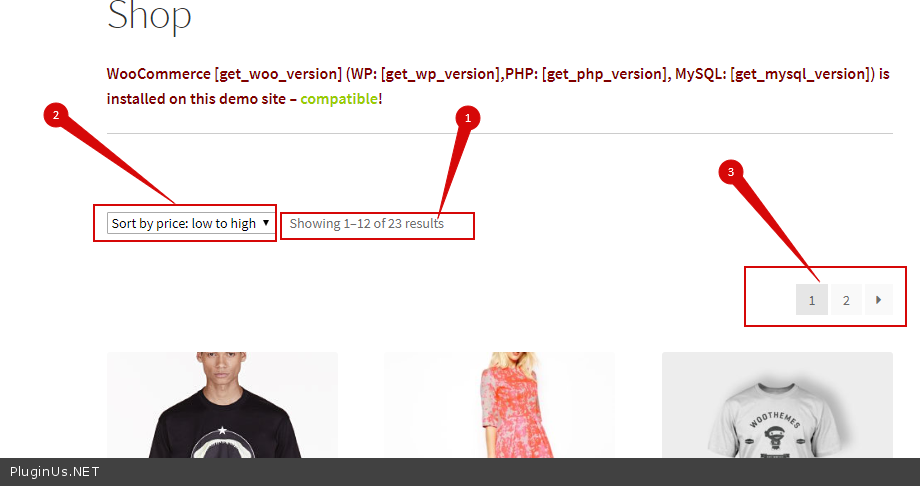
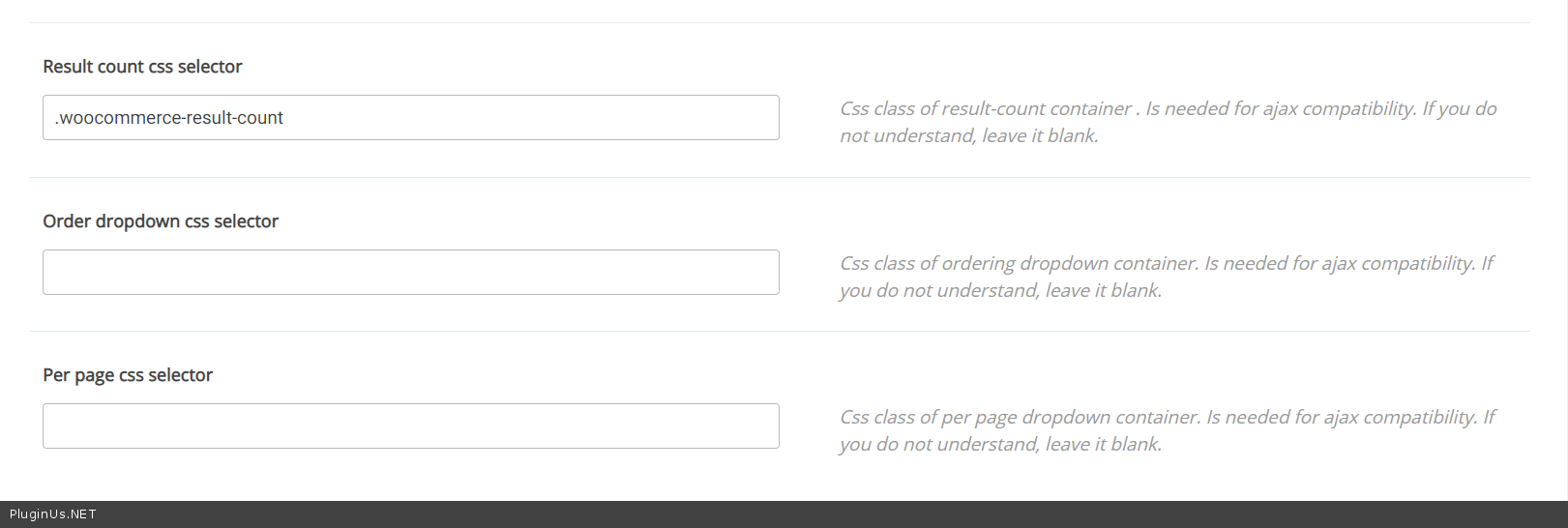
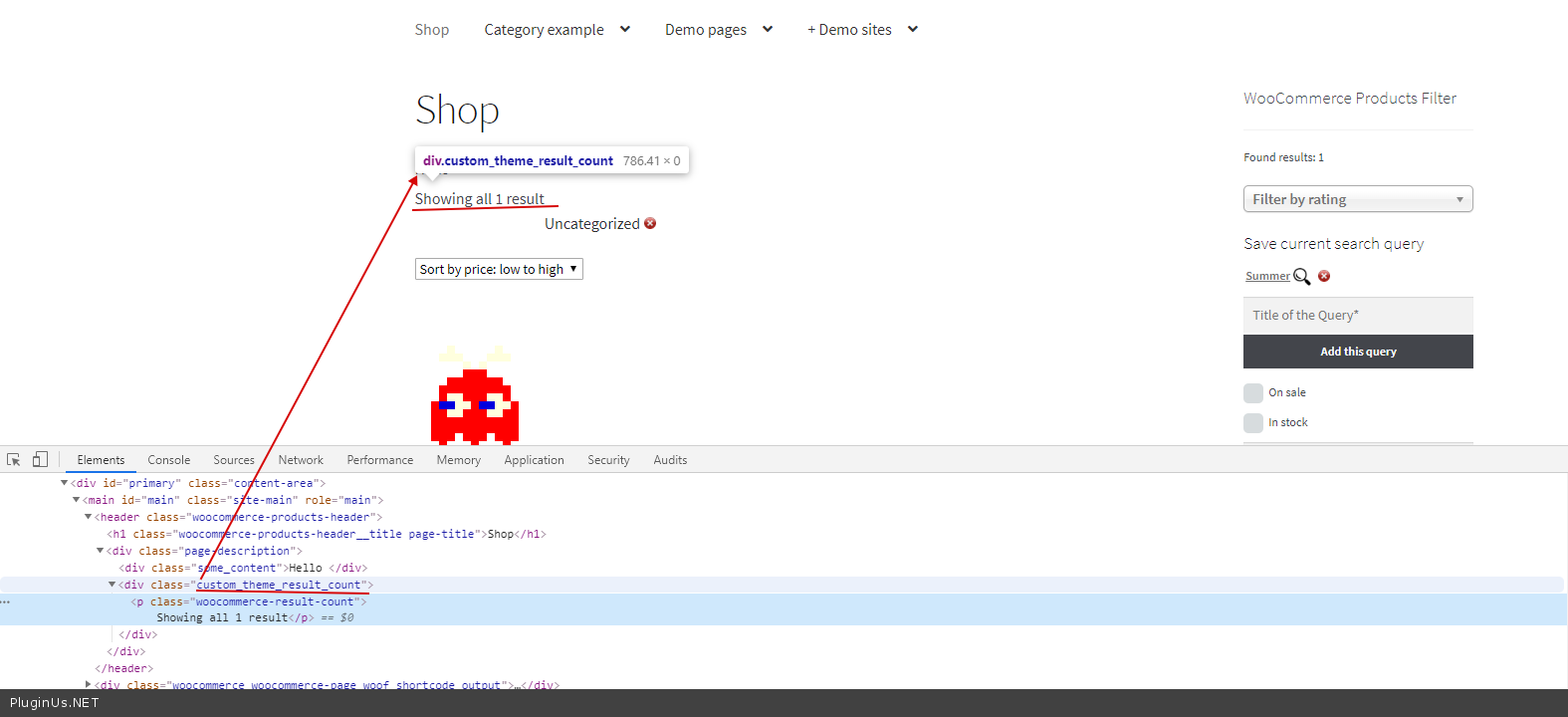
- 标签 Advanced 中新增了更多选项,用于 AJAX 模式适配:产品、排序、分页
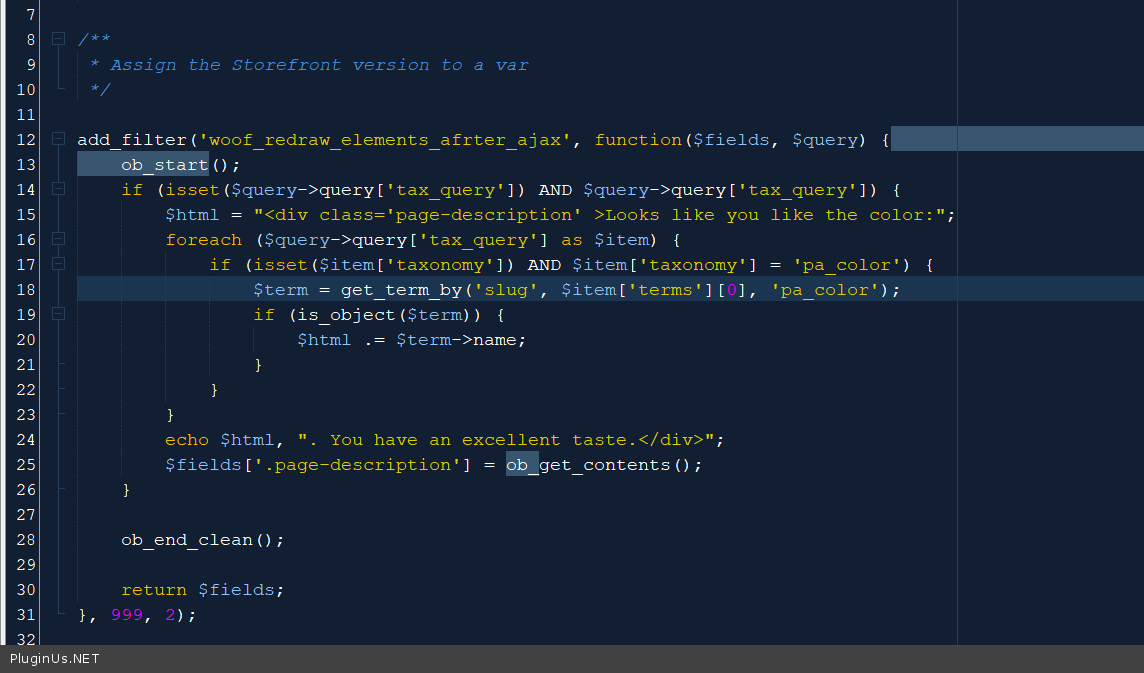
- 新钩子:woof_redraw_elements_after_ajax —— 增加了在 AJAX 重绘后显示任何与筛选条件相关的信息的可能性,请参见下方代码:
- 更新了扩展短代码 woof_step:为每一步添加了图像属性,示例 [woof_step selector=’.woof’ img_behavior=’prepend’ by_step=’product_cat,pa_color,by_price,pa_size’ images=’product_cat:1391,pa_color:876,pa_size:982′ filter_type=1],属性 img_behavior 的值可以是 prepend 或 append,属性 selector 是放置这些图像的容器。
- 新钩子:woof_step_filter_img_size 用于调整 woof 分步筛选器中的图像大小
- 新钩子:woof_print_content_before_redraw_zone —— 允许在产品上方放置任何不会被 AJAX 重绘的业务 HTML 消息
- 新钩子:woof_html_types_view_checkbox
- 新钩子:woof_html_types_view_radio
- 新钩子:woof_html_types_view_mselect
- 新钩子:woof_html_types_view_select